
Crunchbase Scraper: Export Company Data in 2026
A Crunchbase scraper is useful when you need a focused list of funded startups, recently raised companies, investors, or B2B accounts and Crunchbase will not give you a clean export for the exact view you built. The practical answer in 2026 is not a brittle Python script. Open Crunchbase in Chrome, apply filters, run a browser-based scraper, and export the visible company or funding data to CSV.
This workflow covers how to scrape Crunchbase search results without code, which fields to collect, when to use a company-data scrape vs a funding-events scrape, and how Chrome extensions compare with Apify, Bright Data, Playwright, and Python requests.
Export Crunchbase company and funding data without Python
Open a Crunchbase company search or funding-events page, run Clura in Chrome, and export company names, websites, funding stage, investors, industries, employee counts, and locations to CSV.
Add to Chrome — Free →What Is a Crunchbase Scraper?
A Crunchbase scraper is a tool that extracts structured company and funding data from Crunchbase pages into CSV, Excel, Google Sheets, or JSON. It is commonly used for startup prospecting, investor research, market mapping, competitor monitoring, and B2B lead generation where funding stage, industry, company size, and website data matter.
Crunchbase is strongest when your list needs company-level signals: funding amount, funding stage, industry, headquarters, employee count, founding year, investors, and website URL. That makes it different from LinkedIn, which is person-first, and Google Maps or Yelp, which are local-business-first.
For sales teams, Crunchbase is useful because recent funding is a buying signal. A company that raised a Series A 30 days ago is more likely to hire, buy tools, and expand vendors than a company with no recent growth event. For broader lead workflows, connect this to the lead scraper guide and the web scraping for lead generation hub.
- Company name and Crunchbase URL
- Website and headquarters
- Industry, category, and short description
- Employee count and founding year
- Total funding and latest funding stage
- Funding round, amount raised, announced date, and lead investors
- Founder, executive, or investor names when visible
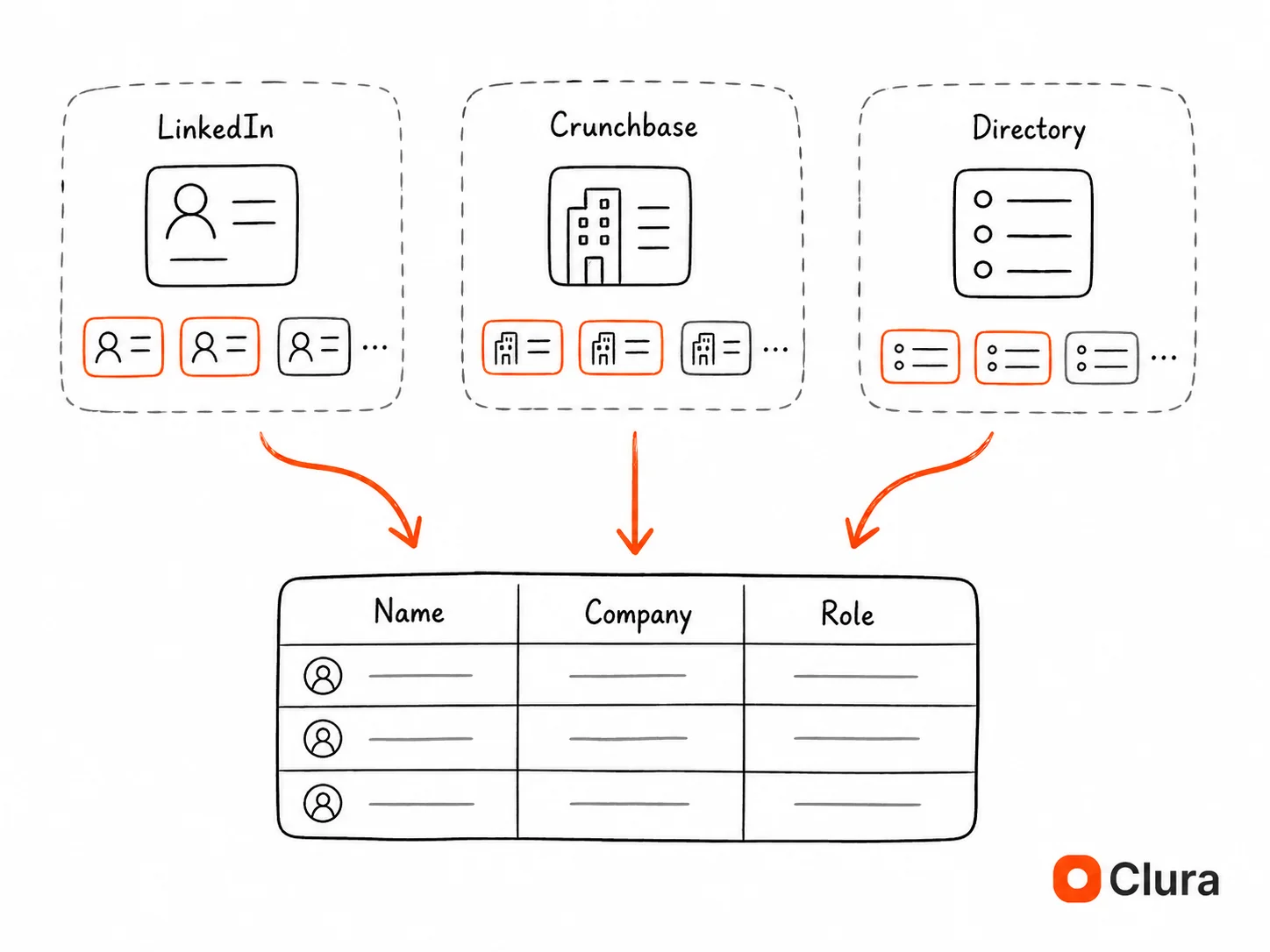
How Do You Scrape Crunchbase Without Code?
To scrape Crunchbase without code: open Crunchbase in Chrome, apply company or funding filters, load the visible result set, open Clura, choose the matching Crunchbase template, confirm pagination, and export to CSV. The workflow takes about 5 minutes for a filtered list and avoids Python setup, proxy configuration, and selector maintenance.
- Open Crunchbase in Chrome. Go to a company search, discovery page, organization list, funding-events page, or a company funding tab while logged into the account you normally use.
- Apply filters before scraping. Narrow by industry, funding stage, geography, employee count, founding year, investor, date range, or company status. The cleaner your filter, the cleaner the export.
- Use the right Clura template. Choose Crunchbase Companies Scraper for company lists and Crunchbase Funding Events Scraper for funding rounds, investors, and announced dates.
- Confirm pagination. If the result list spans multiple pages, confirm the Next button so Clura can move through each page instead of collecting only page 1.
- Review fields. Keep company name, website, funding, funding type, industry, headquarters, employee count, launch date, description, investors, and Crunchbase URL where visible.
- Export to CSV or Excel. Send the dataset to a spreadsheet, CRM import, Clay/Apollo enrichment flow, or a market research workbook.
Turn a filtered Crunchbase search into a CSV
Use Clura's Crunchbase templates to extract company and funding fields from the exact filtered page you already built in Chrome.
Add to Chrome — Free →Should You Scrape Crunchbase Companies or Funding Events?
Use a Crunchbase companies scrape when your output is an account list: company, website, industry, location, employee count, funding stage, and description. Use a funding-events scrape when your output is an intent-signal list: funding round, money raised, announced date, lead investors, participating investors, and CB Rank.
| Use Case | Best Crunchbase Source | Fields to Extract | Best CTA Target |
|---|---|---|---|
| B2B account list | Company search | Company, website, industry, employees, funding stage, location | /templates/crunchbase-companies-scraper |
| Recently funded startups | Funding events | Organization, round, amount, announced date, lead investors | /templates/crunchbase-funding-events-scraper |
| VC deal sourcing | Funding events + company pages | Stage, sector, investors, location, total funding | /templates/crunchbase-funding-events-scraper |
| Competitor monitoring | Company search | Competitor, funding, headcount, description, website | /templates/crunchbase-companies-scraper |
| Sales trigger list | Funding events | Company, funding date, money raised, investor names, website | /templates/crunchbase-funding-events-scraper |
The companies template is better when you need stable account records. The funding-events template is better when you need timing. A newly announced round is an intent signal because budgets, hiring plans, vendor evaluations, and expansion projects often follow within 30-120 days.
A practical outbound workflow is: scrape funding events for the past 30 days, enrich company websites with the free website contact scraper for one-off checks or Clura sub-page scraping for larger lists, then use LinkedIn email finder methods for decision-maker discovery.
What Is the Best Crunchbase Scraper Method?
The best Crunchbase scraper method depends on scale. A Chrome extension is best for filtered exports up to a few thousand rows because setup takes about 2 minutes and it uses your real browser session. Playwright is better for scheduled automation. Apify and Bright Data are better for managed or enterprise pipelines with monthly budgets.
| Method | Block / Failure Rate | Setup Time | Typical Cost | Best For |
|---|---|---|---|---|
| Chrome extension (Clura) | ~4-6% | 2 min | Free / $29.99 lifetime | Filtered exports from live Crunchbase pages |
| Playwright + logged-in session | ~12-18% | 4-8 hours | $50-200/mo proxies | Scheduled workflows with developer maintenance |
| Apify Crunchbase actors | ~20-25% | 30-60 min | $49/mo+ | Managed cloud runs without hosting code |
| Bright Data datasets | ~5-10% | 1-3 days procurement | $500/mo+ | Enterprise teams buying bulk company data |
| Python requests / BeautifulSoup | ~85-95% failure | 30 min (fails) | Free | Learning only; JS/login pages return empty rows |
For most Clura users, the Chrome extension path is the right first test: it uses the Crunchbase page you can already see, keeps your filters intact, and avoids building a scraper just to answer a one-time research question. If you are comparing broader scraping options, the best web scrapers guide covers when to use Chrome extensions, cloud actors, APIs, and Python.
Use Playwright only when the list needs to refresh on a schedule. Use Bright Data or a data vendor only when your requirement is bulk coverage, contract reliability, and centralized procurement rather than ad hoc filtering.
Why Do Python Crunchbase Scrapers Return Empty Rows?
Python Crunchbase scrapers return empty rows because Crunchbase pages rely on JavaScript rendering, logged-in session state, pagination, and bot-detection checks. Python requests fetches the initial HTML shell, not the rendered company cards. Playwright can render the page, but it still needs session storage, slower navigation, and selector maintenance.
The most common failure mode is invisible data. You inspect the Crunchbase page in Chrome and see company cards, funding amounts, and investor names. Then requests.get() returns HTML with missing cards because the page has not executed its JavaScript. This is the same dynamic rendering issue covered in the dynamic websites scraping guide.
The second failure mode is session loss. Crunchbase shows different data depending on login state, subscription tier, and page context. A Python script has no access to your browser cookies unless you deliberately export and maintain session storage. Once that session expires, the scraper starts returning redirects, partial fields, or empty rows.
Why BeautifulSoup Is Usually the Wrong Tool for Crunchbase
BeautifulSoup parses HTML after you already have the data. It does not execute JavaScript, click pagination, preserve login sessions, or wait for client-side API calls. For Crunchbase, that means BeautifulSoup can clean fields after extraction, but it should not be the extraction engine.
If a Crunchbase scraper returns only page titles, navigation links, or empty company rows, the problem is usually rendering or session state, not the CSS selector.
How Do You Turn Crunchbase Data Into a Lead List?
Turn Crunchbase data into a lead list by filtering for a narrow buying signal, exporting company and funding fields, cleaning company websites, enriching contacts, and prioritizing accounts by recency, stage, industry, and employee count. The highest-converting Crunchbase lists usually start with recent funding or hiring-stage filters, not broad industry searches.
- Pick one buying signal. Examples: Series A in the last 90 days, cybersecurity companies with 51-200 employees, AI infrastructure startups in the US, or companies backed by a specific investor.
- Export account fields first. Collect company name, website, description, industry, headquarters, employees, total funding, latest funding type, and Crunchbase URL.
- Add timing fields. For funding-event workflows, include announced date, money raised, funding stage, lead investors, and participating investors.
- Clean and deduplicate websites. Normalize domains before enrichment so HubSpot, Apollo, Clay, or your spreadsheet does not split the same company into multiple records.
- Enrich decision-makers. Use LinkedIn scraping, Sales Navigator, or contact enrichment after the account list is clean.
- Score the list. Prioritize companies by funding recency, stage fit, employee count, location, and whether the company website shows the pain point you sell into.
Crunchbase is not a replacement for Apollo. It is the account-signal layer that tells you which companies are worth enriching in Apollo, Clay, or your CRM. After the account universe is defined, use the Apollo scraper guide to export visible Apollo people-search rows for review and enrichment. For agency-style list building, pair both with lead generation agency scraper workflows.
Is It Legal to Scrape Crunchbase?
Scraping publicly visible Crunchbase data is generally a civil terms-of-service issue, not a criminal hacking issue, when you only collect data visible in your browser and do not bypass access controls. You should still review Crunchbase's terms, respect rate limits, avoid reselling raw data, and comply with privacy laws when storing or contacting people.
In the US, the hiQ v. LinkedIn line of cases supports the idea that accessing public web data is not automatically a CFAA violation. That does not erase contract terms. Crunchbase may restrict scraping in its terms of service, so your risk analysis should separate legal access, platform terms, privacy compliance, and business ethics. The broader framework is covered in our web scraping legality guide.
- Scrape only data visible to the account and subscription you are allowed to use.
- Do not bypass paywalls, authentication, CAPTCHAs, or technical access controls.
- Keep request volume low enough that it does not disrupt the service.
- Avoid reselling raw Crunchbase data as a competing database.
- Follow GDPR, CCPA, CAN-SPAM, and other privacy/outreach rules when you enrich contacts.
Frequently Asked Questions
What is a Crunchbase scraper?
A Crunchbase scraper extracts structured company and funding data from Crunchbase pages into CSV, Excel, Google Sheets, or JSON. Common fields include company name, website, headquarters, industry, employee count, total funding, funding stage, announced date, investors, founders, and Crunchbase URL.
How do I scrape Crunchbase without an API?
Open Crunchbase in Chrome, apply your filters, choose the Crunchbase Companies Scraper or Crunchbase Funding Events Scraper template in Clura, confirm pagination, and export the result to CSV. This avoids API setup and works from the rendered page you can already see in your browser.
Can I export Crunchbase data to CSV?
Yes. With Clura, scraped Crunchbase company or funding-event data can be exported to CSV, Excel, Google Sheets, or JSON. CSV is usually best for CRM import, spreadsheet cleanup, Clay enrichment, or account scoring.
Does Crunchbase have an API?
Crunchbase has API and data-access products, but they are designed for licensed programmatic access and may not match a one-off filtered view you built in the web app. For ad hoc research, a browser-based scraper is faster because it exports the exact Crunchbase page and filters you are using.
Why does my Crunchbase Python scraper return empty results?
Crunchbase Python scrapers return empty results when they fetch the initial HTML shell instead of the JavaScript-rendered company cards. Login state, subscription visibility, pagination, and bot detection also affect the output. A real browser session or Playwright setup is required for reliable extraction.
What is the best Crunchbase scraper?
For filtered exports and prospecting lists, the best Crunchbase scraper is a Chrome extension like Clura because setup takes about 2 minutes and it uses your real browser session. For scheduled automation, use Playwright with session storage. For enterprise bulk data, evaluate Bright Data or licensed data products.
Can I scrape Crunchbase funding rounds?
Yes. Use a funding-events scrape when you need transaction name, organization, funding stage, money raised, announced date, total funding, lead investors, participating investors, and CB Rank. This is useful for VC deal sourcing, sales triggers, and competitor fundraising monitoring.
Is scraping Crunchbase legal?
Scraping data visible in your browser is generally treated differently from bypassing access controls, but Crunchbase terms may restrict automated collection. Scrape only what you are authorized to view, keep volume reasonable, do not bypass technical controls, and follow privacy laws when storing or contacting people.
Conclusion
Crunchbase is most valuable when you treat it as an account-signal source, not just another directory. The winning use case is specific: funded companies in a stage, region, or industry that maps to your sales motion, investor thesis, market map, or competitor watchlist.
Start with the browser workflow because it answers the research question fastest. Use the Crunchbase Companies Scraper for account lists and the Crunchbase Funding Events Scraper for timing signals. Then enrich websites, contacts, and LinkedIn data only after the account list is clean.
For broader list-building, combine Crunchbase with lead scraping software, Sales Navigator scraping, and company data extraction. Crunchbase tells you who is growing; the rest of the workflow tells you who to contact and why now.
Explore related guides:
- Crunchbase Companies Scraper — pre-built Clura template for exporting company, funding, industry, employee, and website fields
- Crunchbase Funding Events Scraper — extract funding rounds, money raised, announced dates, and investor names from Crunchbase
- Lead Scraper — compare lead scraping software and build source-specific prospect lists without code
- Web Scraping for Lead Generation — full lead-gen hub covering LinkedIn, directories, job boards, websites, and funding signals
- Extract Company Data From Websites — company-data workflow for directories, startup databases, LinkedIn company pages, and job signals
- Best Web Scrapers — when to use Chrome extensions, Python, Apify, Bright Data, APIs, or managed datasets
Export your first Crunchbase list today
Use Clura to scrape Crunchbase company searches and funding-event pages from your real Chrome session. Export clean company and funding data to CSV without Python, proxies, or API setup.
Add to Chrome — Free →