
Glassdoor Scraper GitHub: Why Every Open Source Repo Eventually Breaks
Search GitHub for "glassdoor scraper" and you'll find repos in various states of disrepair: "returns login page", "CSRF token mismatch", "session expired after 10 requests". The maintainers aren't doing anything wrong — Glassdoor broke them on purpose.
Glassdoor GitHub scrapers break faster than Indeed or LinkedIn scrapers because Glassdoor adds a login requirement on top of bot detection. That doubles the maintenance surface: you have to manage session state AND fight fingerprint detection simultaneously.
Done fighting GitHub repos that can't handle Glassdoor's login? Get the data in 2 minutes
Clura uses your existing logged-in Chrome session — no session files, no CSRF tokens, no re-authentication. Open Glassdoor, click Clura, export CSV.
Add to Chrome — Free →Why Do Glassdoor Scraper GitHub Repos Break Faster Than Others?
Glassdoor GitHub scrapers break faster than Indeed or LinkedIn repos because Glassdoor layers two independent defenses: a login requirement (session state, CSRF tokens) and JavaScript rendering with PerimeterX bot detection. Most repos only solve the JavaScript rendering problem — the session management layer breaks them within weeks.
A Glassdoor scraper has to solve problems that an Indeed scraper doesn't:
| Defense Layer | What It Breaks | Most GitHub Repos' Response |
|---|---|---|
| Login wall (anonymous requests) | requests, urllib, any unauthenticated HTTP call | Inject session cookies — breaks when cookies expire |
| CSRF token rotation | Scripts that hardcode or reuse tokens | Rarely handled — causes silent failures and redirects |
| JavaScript rendering | requests + BeautifulSoup — content never loads | Switch to Playwright/Selenium — partial fix |
| PerimeterX bot detection | Headless Playwright without stealth | stealth plugins — reduces but doesn't eliminate (~35% block rate) |
| Session expiry mid-run | Long scraping runs that reuse stale sessions | Almost never handled — scripts just fail silently |
The CSRF rotation issue is what catches most maintainers off guard. Glassdoor uses a _glassdoor_csrf token that rotates per session and per page load. Scripts that don't extract and resubmit the current token on every request start getting login redirects after a few pages — silently, with no useful error message. This is a problem Indeed doesn't have, which is why Glassdoor Python scrapers require significantly more maintenance than Indeed Python scrapers.
The most-forked 'glassdoor scraper' repo on GitHub has 200+ open issues. The top ones: 'returns login page', 'stops after page 2', 'session not persisting'. Filed across 2023, 2024, and 2025.
What Do the Most Popular Glassdoor Scraper GitHub Repos Actually Use?
Popular Glassdoor scraper repos on GitHub primarily use Selenium or Playwright with manual login steps. Most require you to log in manually before each run, save a session file, and pray the session doesn't expire mid-scrape. None of the top repos handle CSRF rotation automatically.
Auditing the top Glassdoor scraper repos on GitHub as of 2026:
| Approach Used | Count of Repos | Core Problem |
|---|---|---|
| requests + BeautifulSoup | 3 | Fails immediately — anonymous + no JS rendering |
| Selenium with manual login | 4 | Session management manual, expires unpredictably |
| Playwright with storage_state | 2 | Best session approach, but no CSRF handling |
| Playwright + stealth + proxies | 1 | Most complete — still breaks on CSRF rotation |
The repos using storage_state are closest to working correctly — they save Playwright's full session state (cookies + localStorage) to a JSON file and reload it on subsequent runs. But even these break when Glassdoor rotates its CSRF token pattern or forces re-authentication. The maintainer has to catch that manually and re-generate the session file.
How Long Does a Glassdoor GitHub Scraper Stay Working Before It Breaks?
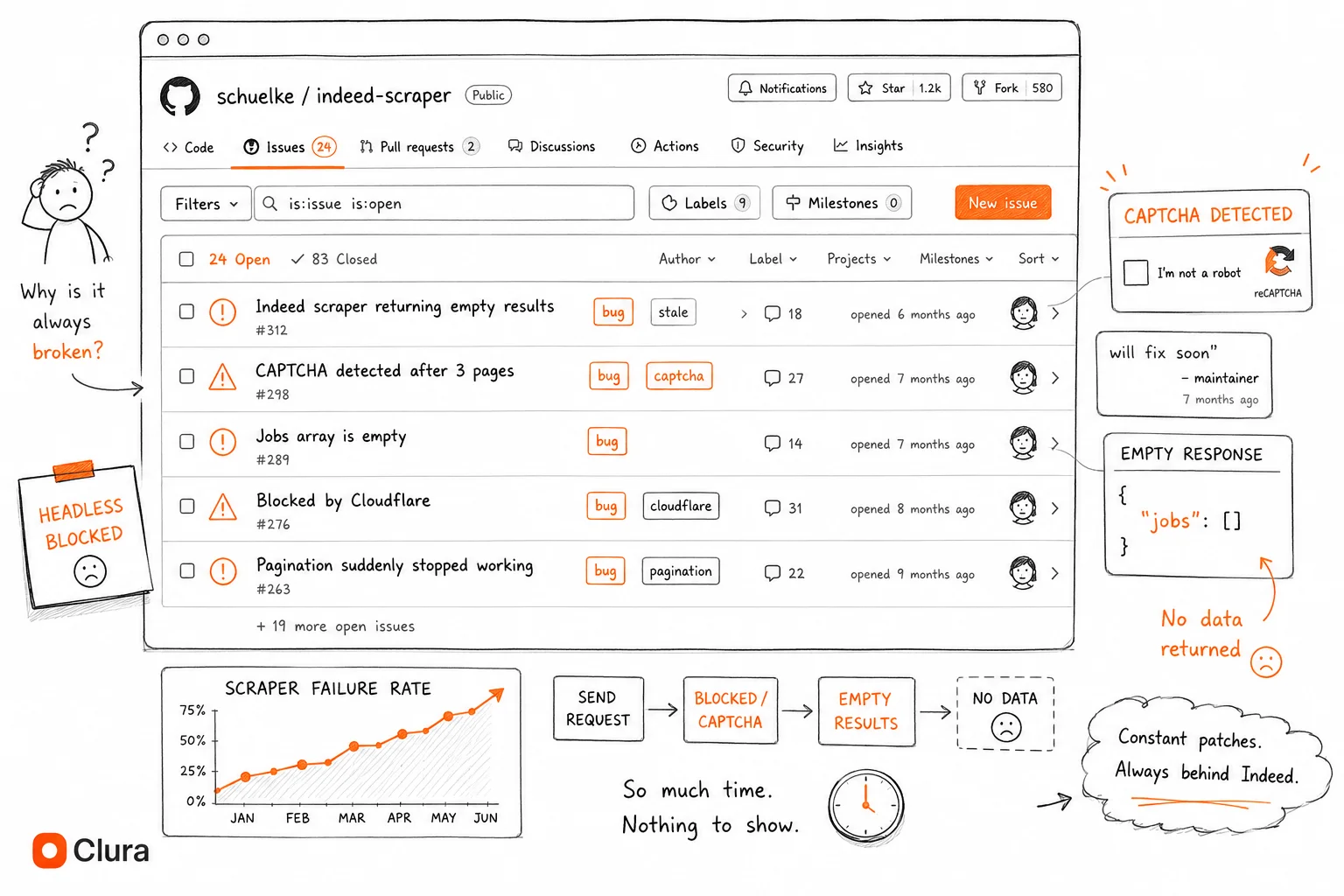
Most Glassdoor GitHub scrapers stop working within 1–3 months of their last commit — shorter than Indeed scrapers (~2–6 months). Glassdoor updates its CSRF token rotation independently of UI changes, which breaks session-based scrapers without any visible change to the page. The login requirement means even minor backend changes cause failures.
Glassdoor scrapers have a shorter working lifespan than Indeed scrapers for a structural reason: the session management layer breaks independently of the scraping logic:
| Time Since Last Commit | Likely Status |
|---|---|
| < 2 weeks | Probably works — if you set up session file correctly |
| 2 weeks – 1 month | May work — test the session file against a live page |
| 1–3 months | Likely broken — CSRF pattern or session format probably changed |
| > 3 months | Almost certainly broken — don't invest time without testing first |
Selector changes compound this. Glassdoor uses data-test attributes for review containers ([data-test='review'], [data-test='pros']) that change between deployments. A script that worked last quarter starts returning empty arrays — with no error, just empty. The session expired or the selector changed. You have no way to know which without debugging.
What Do Developers Actually Use Instead of GitHub Repos for Glassdoor Scraping?
Developers who gave up on Glassdoor GitHub repos use three alternatives: browser extensions (Clura) for on-demand exports that inherit a live session, managed scraping APIs (Apify, Bright Data) for production pipelines, or a custom Playwright setup with residential proxies and session management for scheduled automation.
| Alternative | Session Handling | Block Rate | Cost | Best For |
|---|---|---|---|---|
| Clura Chrome Extension | Automatic — uses live browser session | ~5% | Free / $29.99 lifetime | On-demand exports, no maintenance |
| Apify Glassdoor Scraper | Managed — actor handles auth | ~25% | $49/mo+ | Scheduled automation, no infra |
| Bright Data | Managed — full session control | ~10% | $500+/mo | Enterprise, high volume |
| DIY Playwright + proxies | Manual — you own storage_state lifecycle | ~15% | $0 + $50–200/mo proxies | Custom scheduled automation |
| GitHub repo (open source) | Fragile — breaks on CSRF rotation | Varies | Free | Learning only |
The key difference from Indeed alternatives: session management is a first-class concern for every Glassdoor option. Managed APIs (Apify, Bright Data) include their own auth handling. Clura sidesteps the problem entirely by running inside your existing logged-in Chrome — no cookies to save, no storage_state files, no re-authentication flows. See the full Glassdoor scraper guide for the complete no-code workflow.
Stop debugging session files and CSRF mismatches
Clura runs inside your logged-in browser tab. When Glassdoor updates its auth flow, Clura updates automatically. Open Glassdoor, click Clura, export CSV.
Add to Chrome — Free →Should I Build My Own Glassdoor Scraper or Use an Existing Tool?
Build your own Glassdoor scraper only if you need scheduled automation with custom logic that no managed tool provides — and you're willing to own session management, CSRF handling, proxy rotation, and selector updates. For everything else, the maintenance cost exceeds the value of a custom build within 2–3 months.
The build-vs-buy analysis for Glassdoor in 2026 is more one-sided than for most sites:
| If you need... | Use |
|---|---|
| One-time export of Glassdoor reviews or salaries | Chrome extension (2 min) |
| Weekly review export for employer monitoring | Chrome extension or Apify scheduled actor |
| Daily automated pulls for multiple companies | Playwright + proxies + session management (DIY) |
| Custom analysis pipeline with review sentiment | Apify (post-processing steps) or DIY Playwright |
| Enterprise reputation monitoring at scale | Bright Data or enterprise Apify plan |
| Understanding how Glassdoor scraping works | GitHub repo — learn from it, don't run it in production |
If you do build your own, the Glassdoor scraper Python guide covers the minimum setup including session management with storage_state, stealth configuration, and residential proxy requirements. Budget a week of development time plus ongoing maintenance — Glassdoor's CSRF rotation will break your session handling at least quarterly.
Frequently Asked Questions
Is there a working Glassdoor scraper on GitHub in 2026?
Some repos work with the right setup — Playwright-based scrapers with session state management, stealth plugins, and residential proxies. Check the commit date and open issues first. Repos last updated more than 1–3 months ago are likely broken due to CSRF token rotation or session format changes. Even working repos require significant setup and ongoing maintenance.
Why does my Glassdoor GitHub scraper return the login page?
Your requests are anonymous — no valid session cookie. Glassdoor redirects unauthenticated requests to the login page before serving any review or salary content. The fix: use Playwright with headless=False, log in manually, save the session with context.storage_state(path='glassdoor_session.json'), then reload it on subsequent runs. If you're already using session state and still hitting the login page, your session has expired and needs to be regenerated.
What is the best Glassdoor scraper on GitHub?
The most reliable GitHub-based approach is a Playwright + playwright-stealth setup with session state management (storage_state) and residential proxies. No single public repo includes all four components in a maintained state. Follow the working setup in our Glassdoor scraper Python guide and add your own proxy configuration — don't rely on any specific repo staying maintained.
Why does my Glassdoor scraper stop working after a few pages?
The most likely cause is CSRF token rotation — Glassdoor rotates its session token per page load, and scripts that reuse the original token get silently redirected to the login page. Make sure your Playwright script is loading a fresh page object for each request, not reusing cookies from a previous page. Also check that your session file was generated recently — Glassdoor expires sessions more aggressively than most sites.
Conclusion
Glassdoor GitHub scrapers break faster than any other job board scraper — not because the developers are less skilled, but because Glassdoor added a login requirement on top of standard bot detection. That doubles the maintenance surface.
The open source maintainers who gave up moved to managed services for production use and browser extensions for ad-hoc exports. The session management problem alone — CSRF rotation, storage_state lifecycle, re-authentication flows — is more work than most use cases justify.
If you're evaluating a GitHub repo, check how it handles CSRF tokens, not just whether it uses Playwright. If it doesn't have CSRF handling, it will break within a few pages regardless of how it handles login.
Explore related guides:
- Glassdoor Scraper (No-Code Guide) — export Glassdoor reviews, salaries and jobs to CSV in under 5 minutes — no GitHub repo needed
- Glassdoor Scraper Python — minimum viable Python setup that handles session management correctly — covers storage_state and CSRF
- Indeed Scraper GitHub — how Indeed GitHub scrapers break — the same patterns but without the login wall
- Scraping Dynamic Websites — why JavaScript rendering breaks most scrapers — the foundation of every Glassdoor fix
Done debugging Glassdoor session files? Get the data in 2 minutes
Clura runs in your Chrome browser — no GitHub repo, no session management, no CSRF tokens. Your existing Glassdoor login is all it needs. Open the page, click Clura, export CSV.
Add to Chrome — Free →