
eBay Scraper: Export eBay Listings to CSV in Minutes
If you are a reseller, ecommerce analyst, or marketplace operator checking real asking prices and sold comps, an eBay scraper turns search results into a pricing sheet you can actually work with. The useful fields are practical: listing title, current price, seller, condition, shipping, bids, sold status, and the source URL behind each comp.
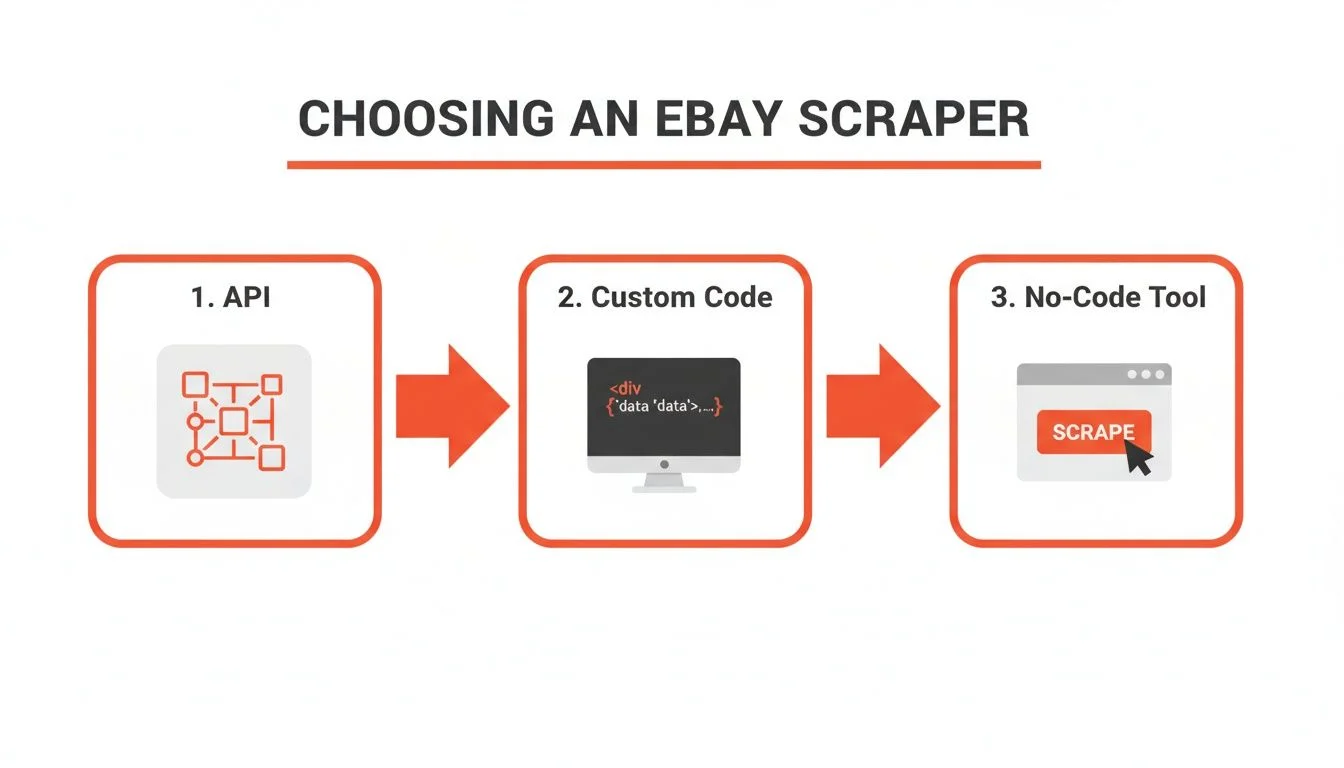
The scraping method matters because eBay pages are dynamic, but the workflow should start with the use case. For eBay web scraping, most teams are doing comp pricing, inventory sourcing, dropshipping validation, or competitor monitoring. A browser-based export works well when you need clean CSV data quickly; Playwright or the eBay Finding API make sense when a developer owns a recurring pipeline.
Turn eBay comps into a pricing spreadsheet
Open an eBay search, apply condition, price, and sold-listing filters, then use Clura to export title, price, seller, condition, shipping, bids, sold status, and URLs.
Add to Chrome — Free →What Data Can You Scrape from eBay?
From eBay search results you can scrape listing title, price, seller name, seller rating, item condition, shipping cost, listing URL, number of bids (auctions), and sold status. Individual listing pages also expose full product descriptions, item specifics, and shipping options.
| Field | Search Results Page | Individual Listing Page |
|---|---|---|
| Listing title | ✅ Yes | ✅ Yes |
| Current price / Buy It Now price | ✅ Yes | ✅ Yes |
| Seller username | ✅ Yes | ✅ Yes |
| Seller feedback score | ✅ Yes | ✅ Yes |
| Item condition | ✅ Yes | ✅ Yes |
| Shipping cost | ✅ Yes | ✅ Yes |
| Listing URL | ✅ Yes | ✅ Yes |
| Number of bids (auctions) | ✅ Yes | ✅ Yes |
| Sold / unsold status | ✅ Yes | ✅ Yes |
| Item specifics (brand, model, size) | ❌ No | ✅ Yes |
| Full product description | ❌ No | ✅ Yes |
| Watchers count | ❌ No | ✅ Sometimes |
For most reseller and marketplace research workflows — eBay price scraping, competitor monitoring, dropshipping research, or sold-comp analysis — the search results page contains everything you need. Scraping individual listing pages is only necessary when you need item specifics or full descriptions at scale.
eBay also exposes sold listing data when you filter by "Sold Items" — useful for market research on actual transaction prices rather than asking prices. A browser-based scraper captures this the same way as any other search results page.
How to Scrape eBay Listings Without Code (Step-by-Step)
To scrape eBay listings without code: install the Clura Chrome extension, run your eBay search, open Clura, select the fields you want (title, price, seller, condition), and export to CSV. The extension reads the fully rendered page inside your browser session — eBay's bot detection sees normal Chrome traffic.
- Install Clura from the Chrome Web Store. Free to install — no account required before your first export.
- Run your eBay search. Navigate to eBay, search for the product category or keywords you want, and apply any filters (condition, price range, sold listings). Let the page fully load.
- Open Clura. Click the extension icon in your Chrome toolbar. Clura reads the rendered DOM — all listing data already loaded by JavaScript is visible to it.
- Select your fields. Clura detects the repeating listing structure automatically. Select the fields you need: title, price, seller, condition, shipping, URL.
- Handle pagination. If you need more than one page, Clura can paginate through eBay results automatically — collecting all pages before exporting.
- Export to CSV or Excel. Click export. One row per listing, clean column headers, ready to open in Excel or import into any tool.
For price monitoring specifically — tracking how competitor pricing changes week over week — see the competitor price monitoring guide for how to structure recurring eBay exports.
Why Python requests and BeautifulSoup Fail on eBay
Python requests fails on eBay because eBay renders listing data via JavaScript after the initial page load. The raw HTML that requests downloads contains an empty container — no titles, prices, or seller data. eBay also runs CloudFront bot detection that blocks ~85% of raw Python requests immediately.
The failure mode is consistent: requests.get('https://www.ebay.com/sch/...') either returns a 200 with no listing data, or hits a CAPTCHA page. BeautifulSoup parsing finds empty <div> containers where the listings should be. This is JavaScript rendering — the page shell loads first, then eBay's React app fires API calls that populate the listings 300–500ms later. Requests never waits for that second step.
Even with a proper user-agent header and request throttling, eBay's CloudFront layer detects the missing browser fingerprint (no JavaScript execution, no cookie handling, no TLS extension order matching real Chrome) and blocks ~85% of bare Python requests in our tests.
What Works Instead: Playwright for eBay Scraping
For automated, scheduled eBay scraping in Python, Playwright is the right approach. It launches a real Chromium browser, waits for JavaScript to finish rendering, and extracts the fully populated DOM. With the stealth plugin and residential proxies, block rates drop to ~12%. The trade-off: 4–6 hours of setup, and proxy costs of $8–40/GB. See the avoiding blocks guide for the full stealth configuration.
| Method | Block Rate | Setup Time | Cost | Best For |
|---|---|---|---|---|
| Clura (Chrome extension) | ~4% | 2 min | Free / $29.99 lifetime | On-demand exports, price research |
| Playwright + residential proxies | ~12% | 4–6 hours | $0 + $8–40/GB proxy | Scheduled automation, developers |
| Apify eBay scraper | ~20% | 30–45 min | $49/mo+ | Managed automation, no infra |
| Python requests (bare) | ~85% | 30 min (fails) | Free | Doesn't work reliably |
For a deeper look at why JavaScript-rendered pages break standard HTTP scrapers, see how to scrape dynamic websites.
Does eBay Have an API You Can Use Instead of Scraping?
eBay has an official Finding API that returns active listing data in JSON — no scraping required. It's free with rate limits (5,000 calls/day on the basic tier). The limitation: it returns only active listings, not sold data, and coverage is incomplete on some categories. For sold price research, scraping remains the only option.
eBay's Finding API is the legitimate alternative to scraping for active listings. It returns title, price, seller, condition, and listing URL in structured JSON — no browser required. You can query by keyword, category, or seller. The free tier allows 5,000 calls/day, which covers most use cases.
- What the API covers: active Buy It Now and auction listings, basic item data, seller information
- What the API misses: sold listings and historical prices, item specifics not in the standard schema, real-time bid counts on active auctions
- Rate limits: 5,000 calls/day free; higher limits require eBay Partner Network approval
- Auth: requires an eBay Developer Account and app credentials — ~15 minutes to set up
For sold price data — what items actually transacted for, not what sellers are asking — the Finding API has no endpoint. Scraping the "Sold Items" filter on eBay search is the only way to get this data. This is the most common reason people reach for a scraper over the API.
Need sold eBay prices without API access?
Clura exports eBay sold listing data directly from your browser — title, final price, condition, seller, and date. Filter for 'Sold Items' on eBay, open Clura, export. Under 5 minutes.
Add to Chrome — Free →What Can You Do with Scraped eBay Data?
The most common uses for eBay scraping data are dropshipping product research (identifying high-demand, low-competition items), competitor price monitoring (tracking how rival sellers price the same SKUs), sold price analysis (understanding real transaction prices vs asking prices), and reseller arbitrage (finding underpriced listings).
Dropshipping and Product Research
Dropshippers scrape eBay search results to identify products with high sell-through rates, consistent pricing, and multiple active sellers — signals of steady demand. Exported CSV data feeds directly into product research workflows. See ecommerce data extraction for how this fits into a broader sourcing pipeline.
Competitor Price Monitoring
eBay sellers export competitor listings weekly to track how pricing shifts across categories. A structured CSV of title, price, condition, and seller makes it straightforward to spot price drops, new entrants, and inventory changes. For a recurring monitoring setup, see the competitor price monitoring guide and the Amazon scraper guide for how the same workflow runs across marketplaces.
Sold Price Research
Resellers and collectors scrape eBay sold listings to establish accurate market values before buying or pricing inventory. Filtering eBay search by "Sold Items" and exporting the results gives you a dataset of actual transaction prices — far more reliable than asking prices from active listings.
Frequently Asked Questions
Is eBay scraping legal?
Scraping publicly visible eBay listing data is generally legal. The hiQ v. LinkedIn ruling (9th Circuit, 2022) established that accessing publicly available data doesn't violate the Computer Fraud and Abuse Act. eBay's Terms of Service prohibit automated access, but ToS violations are civil, not criminal. Operating through a real browser session at human speed significantly reduces enforcement risk. Never scrape behind login walls or collect personal data without consent.
Why is my eBay scraper returning empty results?
Almost always JavaScript rendering. eBay loads listing data via JavaScript after the initial HTML response — so Python requests, urllib, and BeautifulSoup download the page shell with empty containers instead of actual listings. The fix is a browser-based scraper that reads the fully rendered page: either a Chrome extension like Clura or Playwright with wait_for_load_state('networkidle').
How do I export eBay listings to CSV?
The fastest method: install the Clura Chrome extension, run your eBay search, open Clura, select your fields (title, price, seller, condition, shipping), and click export. You get a clean CSV in under 5 minutes — no code, no API key, no proxies. For programmatic export, use Playwright to render the page and extract the DOM, then write to CSV with pandas.
Does eBay have an API for scraping listing data?
Yes — eBay's Finding API returns active listing data in JSON for free (5,000 calls/day). It covers title, price, seller, and condition for active listings. It does not cover sold listing prices or detailed item specifics. For sold price data, scraping the 'Sold Items' filter remains the only option.
What data can I scrape from eBay search results?
From eBay search results pages you can scrape: listing title, current price, Buy It Now price, seller username, seller feedback score, item condition, shipping cost, number of bids, listing URL, and sold/unsold status. Full item descriptions and item specifics (brand, model, size) are only available on individual listing pages.
Can I scrape eBay sold listings?
Yes. Filter your eBay search by 'Sold Items' and use a browser-based scraper to export the results. Sold listing data includes final transaction price, item title, condition, and seller. The eBay Finding API does not provide sold listing data — scraping is the only way to get historical transaction prices.
What is the best free eBay scraper?
Clura is the best free eBay scraper for no-code use cases — it works directly in Chrome, reads JavaScript-rendered listings, and exports to CSV with no setup. For developers who need scheduled automation, Playwright with the stealth plugin and residential proxies is the most reliable code-based option (~12% block rate). Python requests alone is not viable for eBay — ~85% block rate.
Conclusion
eBay's JavaScript-rendered listings make it one of the more frustrating sites to scrape with traditional tools — but straightforward with a browser-based approach. The data is all publicly visible; getting it cleanly is the only challenge.
For one-off exports and ongoing price research, a Chrome extension is the right call: 2 minutes of setup, ~4% block rate, clean CSV output. For scheduled automation you don't want to babysit, Playwright with residential proxies handles it — at the cost of a few hours of initial setup and ongoing proxy bills.
Either way, the eBay Finding API covers active listings for free if you only need standard fields. For sold price data — the most valuable signal for resellers and researchers — scraping remains the only option.
Explore related guides:
- Amazon Scraper Guide — same no-code workflow for Amazon product listings, prices, and reviews
- Competitor Price Monitoring — how to track competitor pricing across eBay, Amazon, and other marketplaces
- Ecommerce Data Extraction — complete guide to extracting product data from any ecommerce platform
- Scraping Dynamic Websites — why JavaScript rendering breaks Python scrapers and how Playwright fixes it
- Avoid Getting Blocked While Scraping — stealth configuration, proxy setup, and rate limiting for eBay and similar sites
- Web Scraper Chrome Extension Guide — comparing browser-based scraper extensions for ecommerce and product data
Export eBay listings to CSV — free, no code, no proxies
Clura reads fully rendered eBay search results in your browser and exports title, price, seller, condition, and URL to a clean spreadsheet. Works on active listings and sold listings alike.
Add to Chrome — Free →