
What Is Prospect Research? Your Ultimate 2026 Guide
Clura Team
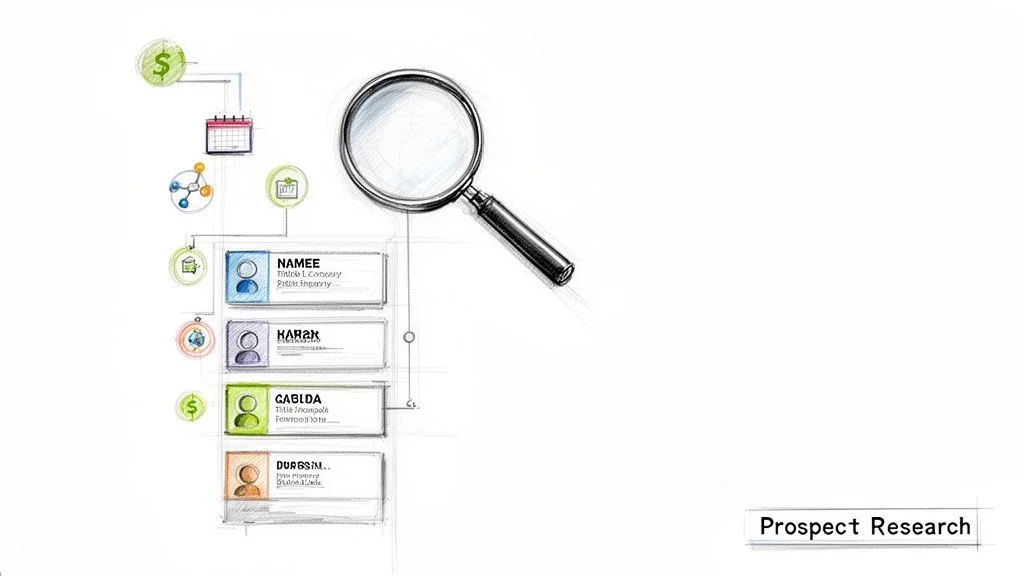
Prospect research is the process of gathering data to turn a generic name into a detailed profile of a potential buyer. You're not just collecting information — you're connecting the dots to understand who they are, what they need, and why they should care about your solution.
Anyone can pull a list of VPs of Sales. But can you tell which ones just joined a new company, are actively hiring, and recently spoke at a conference about the very problem you solve? That depth is the power of prospect research. Manual research currently eats up to 40% of a sales rep's week — this guide shows you how to cut that time by over 90% using modern AI tools.
Automate Your Prospect Research in One Click
Clura's AI browser agent pulls names, job titles, company data, and buying signals from any website into a clean CSV — so your team spends time on outreach, not data entry.
Add to Chrome — Free →What Is Prospect Research, Really?
Prospect research is the strategic process of building deep, contextual profiles on potential buyers — combining company data, technology stack, and live buying signals to craft outreach that resonates instead of getting ignored.
| Aspect | Basic Lead Generation | Strategic Prospect Research |
|---|---|---|
| Primary Goal | Fill the top of the funnel with high volume | Identify a curated list of best-fit, high-intent prospects |
| Focus | Quantity over quality | Quality over quantity |
| Approach | Broad and automated — 'spray and pray' | Targeted and investigative — deep understanding |
| Outcome | Long list of cold leads, low conversion | Short list of warm leads, high conversion potential |
Adopting a research-first mindset isn't just a good idea — it's how top performers win. Higher conversion rates, stronger relationships, a more productive team, and better market intelligence all follow naturally from understanding prospects deeply. This process is a core pillar of modern sales intelligence that fuels high-growth revenue teams.
The Hidden Costs of Manual Prospecting
Manual prospecting consumes up to 40% of a sales rep's week, creates inaccurate data through human error, burns out talented salespeople, and produces shallow profiles that lead to generic outreach — all directly cutting into revenue.
The manual grind — the endless copy-pasting, dozen open browser tabs, and hours hunting for a single email address — keeps your best people from doing what they do best: building relationships and closing deals.
- Opportunity cost: every hour digging for data is an hour not spent on demos, follow-ups, or negotiations.
- Data inaccuracy: a single typo in an email address makes your outreach dead on arrival.
- Team burnout: nothing crushes a talented salesperson faster than monotonous data entry.
- Incomplete profiles: racing against the clock leads to shallow, generic outreach that fails to resonate.
The Building Blocks of a Killer Prospect Profile
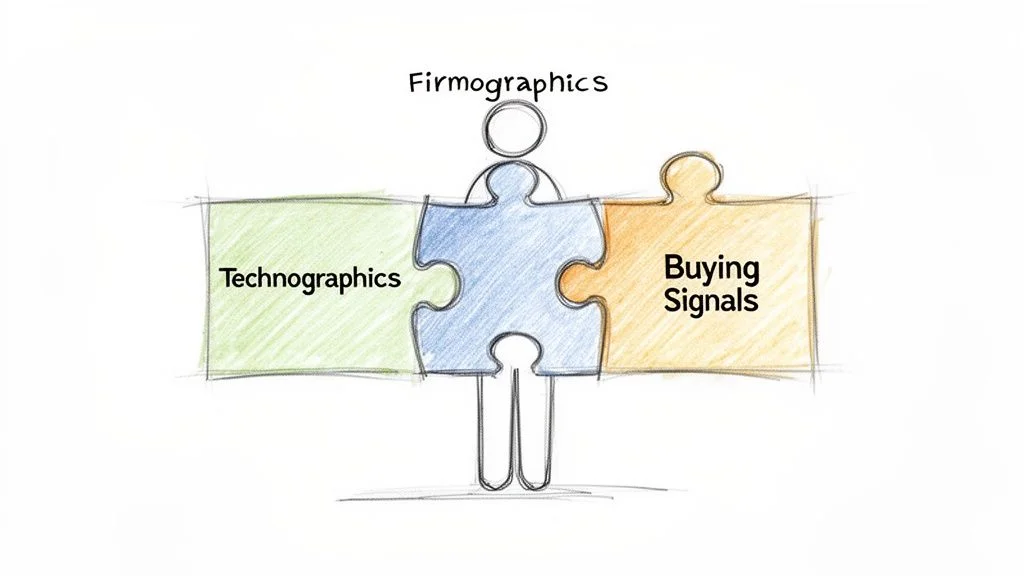
A complete prospect profile combines three layers: firmographics (the company snapshot), technographics (their technology stack), and buying signals (real-time events that create an urgent need for your solution).
1. Firmographics: The Company Snapshot
- Industry and niche: a FinTech startup has different challenges than a logistics giant.
- Company size: headcount hints at budget and the complexity of their problems.
- Annual revenue: bootstrapped startup vs. funded enterprise — their buying power differs dramatically.
- Geographic location: headquarters and major offices for territory planning and local market context.
2. Technographics: Their Digital DNA
Knowing a prospect's technology stack is like getting a blueprint of their internal operations. If they're using a competitor's tool, you can pitch your unique differentiators directly. Look for their CRM (Salesforce vs. HubSpot), marketing automation, analytics platforms, and cloud infrastructure. This process is the core of data enrichment — learn how AI scraping tools discover it automatically.
3. Buying Signals: The Flashing Green Lights
- New executive hires: a new VP or CMO arrives with a mandate to make changes and a fresh budget.
- Recent funding rounds: fresh capital means new projects are getting the green light right now.
- Sudden hiring sprees: a careers page lighting up with sales or engineering roles signals an immediate operational need.
- Company expansion: a new office or market launch creates a wave of new challenges you can solve.
Your Toolkit for Sourcing Actionable Data
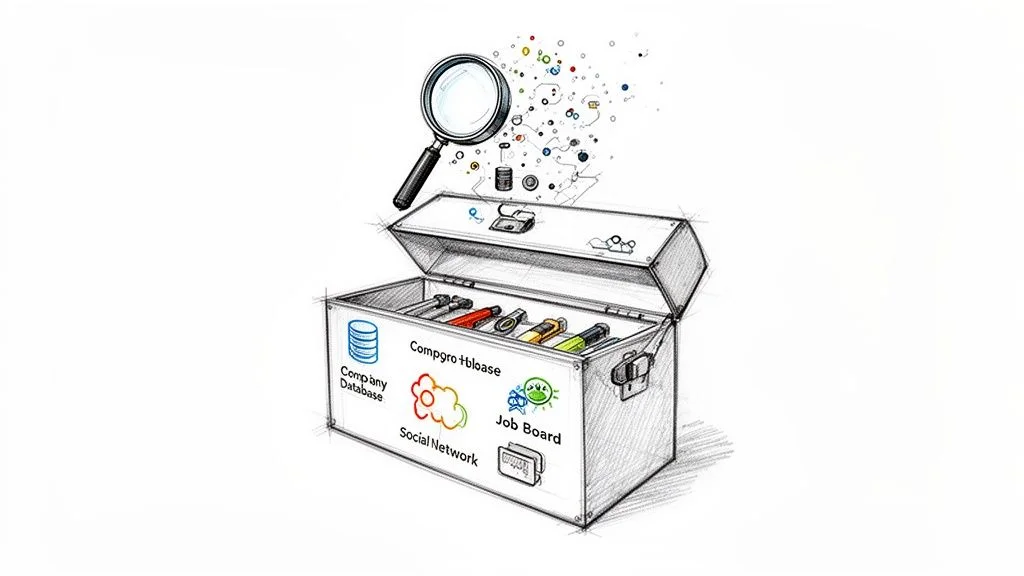
The best prospect researchers triangulate data from three core sources: professional networks for individual context, business and funding databases for company-level signals, and job boards for forward-looking strategic intelligence.
Professional Networks like LinkedIn
Don't just stop at their job title. Look at recent activity (what they're engaging with now), group memberships (their deepest professional interests), and recommendations (the language their colleagues use about them). Mastering Boolean search strings dramatically speeds up this research.
Business and Funding Databases
Platforms like Crunchbase and PitchBook are your command centre for company-level intelligence. Set up alerts for funding announcements (spending signal), acquisitions (new market push), and leadership changes (mandate to shake things up, tool changes incoming within 90 days).
Job Boards and Company Career Pages
Job postings are one of the most honest, forward-looking data sources available. Five new 'Enterprise Account Executive' postings is a public declaration that the company is moving upmarket and will need new sales tools. Automate data collection from these sources to monitor them at scale.
How to Scale Your Research with AI and Automation
AI browser agents turn hours of manual prospect research into a one-click workflow — landing on a LinkedIn search page and pulling structured data on hundreds of prospects in seconds.
Thanks to AI and automation, the game has been completely rewritten. Before, you might spend a full day building a list of 20 qualified leads. Now, with browser-based AI, you can pull structured data on hundreds of prospects in seconds.
Build a Prospect List from LinkedIn in Seconds
Clura's pre-built LinkedIn templates pull names, titles, company names, and profile URLs from any search results page automatically — no copy-pasting, no configuration.
Add to Chrome — Free →The market for AI sales tools is projected to reach $15.01 billion by 2030. You can see how large this shift is by reading about the current state of AI in sales prospecting.
Your First Automated Prospecting Workflow
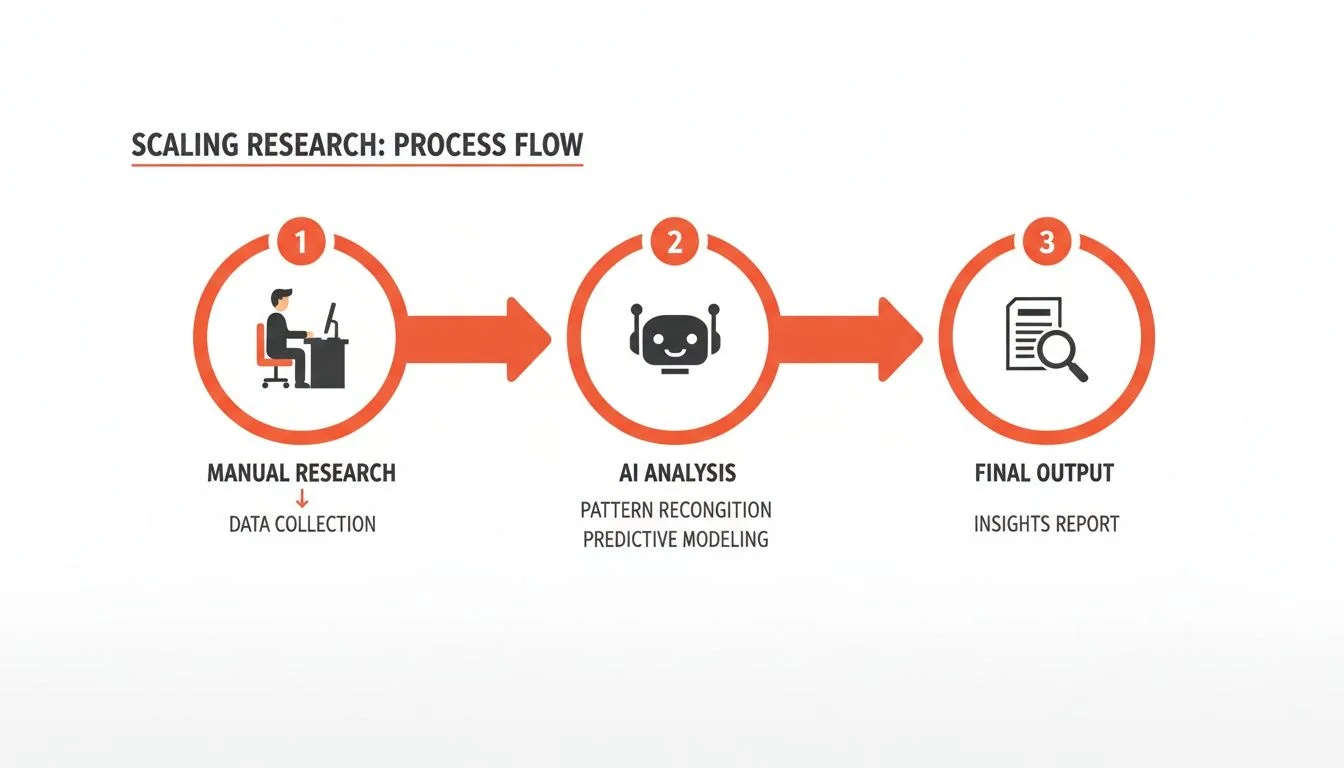
A three-step automated prospecting workflow — define your target profile, run an AI agent on a search results page, then export to CSV — replaces hours of manual research with a few-minute process.
Step 1: Define Your Target and Find Your Source
Define your ideal prospect — for example, 'Head of Sales at a US-based SaaS company with 50–200 employees'. Apply those filters in LinkedIn Sales Navigator to produce a page full of matching profiles.
Step 2: Run the AI Agent in One Click
Activate your AI browser agent with a single click. It flies through the page and grabs every profile's full name, job title, company name, and LinkedIn URL — what used to take hours of grunt work now completes in seconds.
Step 3: Export and Act on Your Data
Click 'Export to CSV'. You now have a spreadsheet ready to upload to your CRM, feed into an outreach tool, or send for further enrichment to find emails and phone numbers. You did in minutes what most reps spend hours on manually.
Frequently Asked Questions
How is prospect research different from lead generation?
Lead generation casts a wide net to collect as many names as possible — it's a volume game. Prospect research is a focused strategic deep-dive: you take a smaller curated list and study each person to understand their world and pain points. It's what turns a random name into a warm, qualified conversation.
How much time should prospect research really take?
Done manually, research can eat up 40% of a sales rep's week — almost two full days. With modern AI automation tools you can cut that wasted time by over 90%. The goal is to let technology handle repetitive data collection so humans focus on relationship building and strategy.
What are the most important buying signals to watch for?
The three highest-signal events are: new executive hires (a new VP arrives with a mandate to change tools and a fresh budget), recent funding rounds (a company that just raised is ready to invest in growth), and a surge in hiring (especially in departments your product serves — they have an immediate operational need).
Is prospect research only for big enterprise sales teams?
Absolutely not. Smart research is even more critical for startups and small businesses where every hour counts. AI-powered tools have levelled the playing field — you no longer need an enterprise budget to access game-changing prospect intelligence. Any team can now compete and punch above their weight class.
Conclusion
Prospect research is the difference between sending 100 generic emails and having 10 highly relevant conversations that actually lead somewhere. By building deep profiles using firmographics, technographics, and live buying signals, you give every rep the context needed to open doors instead of burning bridges.
The old manual approach is no longer competitive. AI browser agents make it possible for any salesperson — regardless of technical skill — to build research-grade prospect lists in minutes. Start with one automated workflow this week and see how much time you get back.
Explore related guides:
- What Is Sales Intelligence — the broader data strategy that powers modern revenue teams
- What Is Data Enrichment — automatically fill firmographic and technographic gaps in your prospect records
- Automate Data Collection — build one-click workflows that gather prospect data from any website
Stop the Manual Grind — Start Building Smarter Lists
Clura automates prospect data collection from any website with a single click. Explore prebuilt templates and see how easy it is to scale your research today.
Add to Chrome — Free →About the Author