
Amazon Price Scraper: Track Prices in 2026
An Amazon price scraper tracks competitor prices, Buy Box changes, seller offers, and stock signals without manually checking product pages every morning. Amazon changes prices more than 2.5 million times per day, and competitive categories can shift every 10 minutes, so a spreadsheet updated once a week is already stale.
This guide shows the no-code workflow: which Amazon fields to extract, why Python and headless browser scrapers get blocked or served poisoned prices, how browser-native scraping works, and how to turn price exports into a repeatable monitoring system. For the broader ecommerce workflow, see price scraper tools and ecommerce data extraction.
Scrape Amazon Prices Without Writing Code
Clura is an AI-powered browser extension that extracts Amazon product data — prices, Buy Box status, seller info, stock levels — and exports it as a clean CSV in minutes. No Python, no proxies to manage.
Add to Chrome — Free →Why Use an Amazon Price Scraper Instead of Checking Prices Manually?
An Amazon price scraper is faster and more reliable than manual checking because Amazon prices can change millions of times per day. Scraping turns competitor prices, Buy Box ownership, seller names, availability, and Best Seller Rank into a structured dataset you can compare daily instead of relying on one-off browser checks.
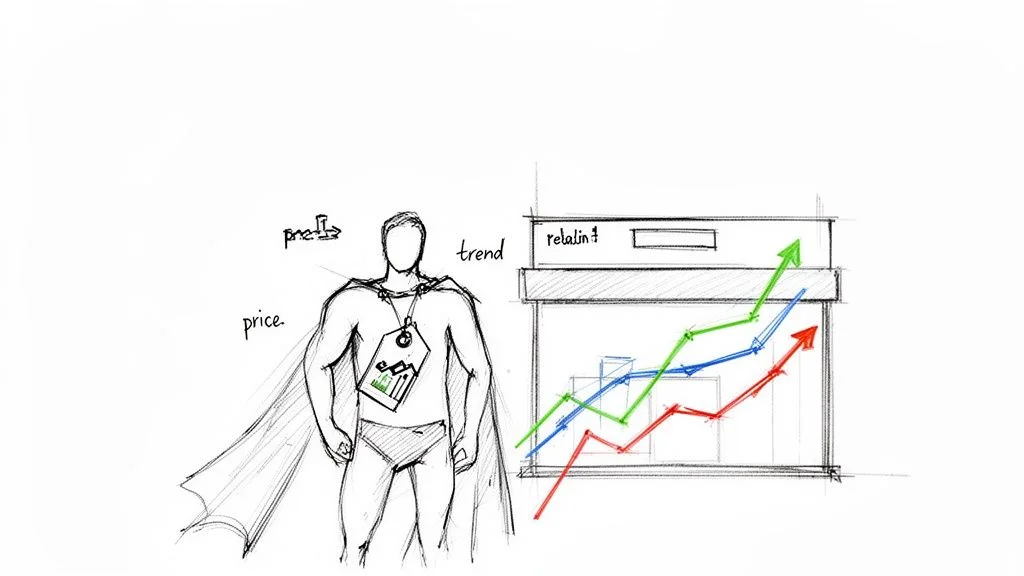
Amazon generated $638 billion in net sales in 2024 and controls over 40% of all US e-commerce. Prices move faster than any human team can track. A competitor can slash their price, capture the Buy Box, and drain your sales — all before you finish your morning coffee.
- Perfect your pricing strategy: Adjust prices on the fly to match market conditions while protecting your margins.
- Outsmart competitors: Get instant intelligence when a rival slashes their price, launches a sale, or runs out of stock.
- Spot trends early: Identify pricing patterns and emerging products before they take off.
- Enforce MAP policies: Automatically flag third-party sellers violating your Minimum Advertised Price policy.
70% of Amazon sellers use dynamic pricing software. Prices can change more than a dozen times a day. Without automation, you're making critical decisions based on outdated information.
What Data Should an Amazon Price Scraper Collect?
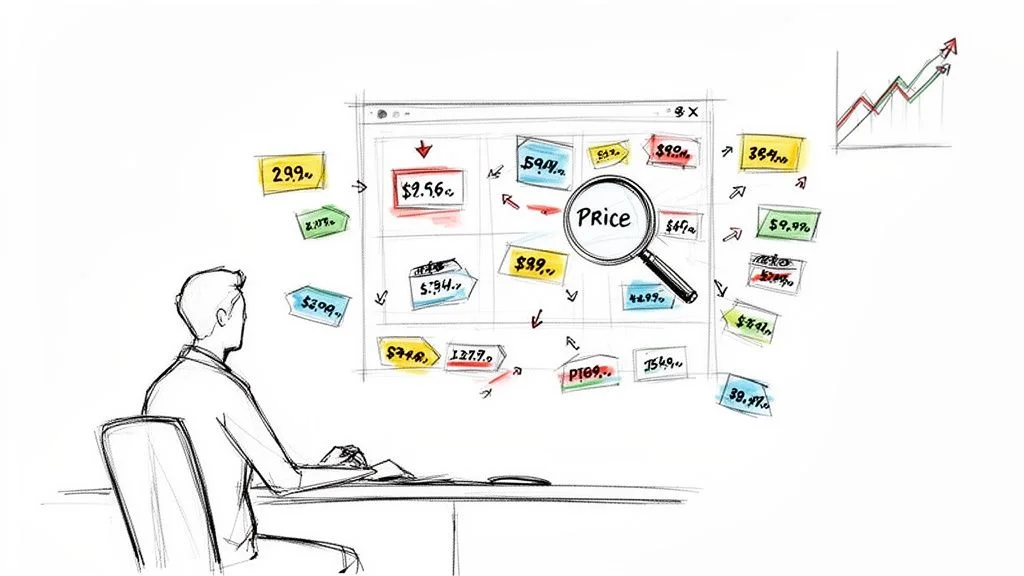
A good Amazon price scraper should collect current price, sale price, Buy Box winner, seller name, stock status, Best Seller Rank, rating, review count, ASIN, and product URL. The price alone tells you what changed; the surrounding fields explain why it changed and whether it affects your repricing decision.
The price is one data point. These are the fields that reveal the full competitive picture:
| Data Point | Strategic Value |
|---|---|
| Current Price and Sale Price | Front-line intel — instantly see how you stack up and spot promotions as they happen |
| Buy Box Winner | Over 80% of sales happen through the Buy Box. Track who owns it and when they win it |
| Seller Information | Monitor all sellers on a listing — spot new competitors and catch MAP policy violations |
| Stock Levels | When a competitor goes out of stock, their customers come to you. Catch this signal early |
| Best Seller Rank (BSR) | Tracks sales velocity — a sudden BSR improvement signals a competitor just ran a promotion |
| Customer Rating and Review Count | Understand the relationship between price, quality perception, and sales performance |
What Is the Best Amazon Price Scraper for 2026?
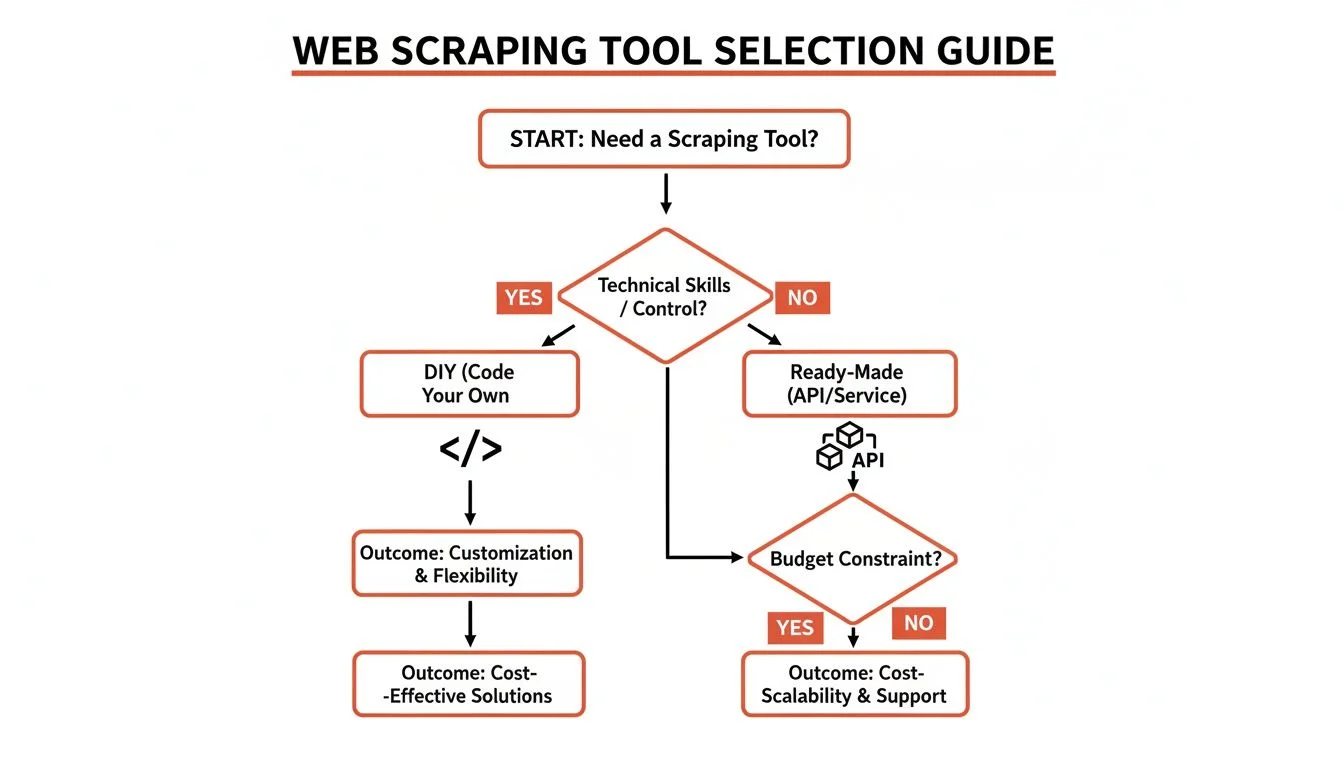
The best Amazon price scraper for most operators in 2026 is browser-native: it runs inside real Chrome, reads JavaScript-rendered prices, avoids synthetic TLS fingerprints, and exports clean CSV data without proxy maintenance. Python is cheap but fails often; scraping APIs scale but cost more and may not show your real session price.
| Method | Setup Time | Block / Wrong-Price Risk | Monthly Cost | Best For |
|---|---|---|---|---|
| Python requests | 2–4 hours | ~80–90% on Amazon pricing pages | $0 plus proxy fixes | Learning, not production price data |
| Playwright + residential proxies | 1–3 days | ~35–55% blocked or incomplete | $50–200/mo | Technical teams with maintenance time |
| Scraping API | 2–6 hours | ~10–25% depending on endpoint coverage | $49–500+/mo | High-volume technical pipelines |
| Browser-native Clura | Under 5 minutes | ~7–10% mostly rate-limit edge cases | Free: 1 export/24h / $29.99 lifetime | Sellers and teams tracking 50–500 ASINs |
DIY gives you control but also constant maintenance: Amazon changes layout patterns, renders prices through JavaScript, and varies prices by location, Prime status, and seller availability. A browser-native tool like Clura reads the same fully rendered page you see in Chrome, so the extracted price matches the shopper-visible session instead of a bot-served response.
Why Do Amazon Price Scrapers Get Blocked or Return Wrong Prices?
Amazon price scrapers fail because Amazon checks JavaScript rendering, session state, IP reputation, TLS fingerprints, and behavior signals before serving pricing data. A scraper can return a 200 response and still capture a stale, incomplete, or session-mismatched price, so the safest workflow is to extract from a real Chrome session and validate against what shoppers actually see.
Amazon is one of the most sophisticated anti-scraping environments on the web. The hard part is not just avoiding a CAPTCHA; it is making sure the price you export is the real price shown to a shopper in your target session.
- JavaScript-rendered prices: Python requests often fetches the shell HTML before price components render, so the result is empty or incomplete.
- TLS fingerprinting: Headless browsers and scraper libraries negotiate HTTPS differently from real Chrome, which exposes them before the page loads.
- Session-based pricing: Prime status, delivery ZIP, cookies, and seller availability can change the price a visitor sees.
- Data poisoning: Some retailers serve plausible but wrong prices to bot-like sessions. In our Walmart tests, poisoned prices were $3–9 higher than checkout.
- Selector drift: Hardcoded CSS selectors break when Amazon changes markup or moves price components.
Browser-native extraction avoids most of this because it runs inside real Chrome, after the page renders, with your real session and fingerprint. For a deeper technical breakdown, read why web scrapers get blocked and the broader price scraper comparison.
How Do You Scrape Amazon Prices Without Code?
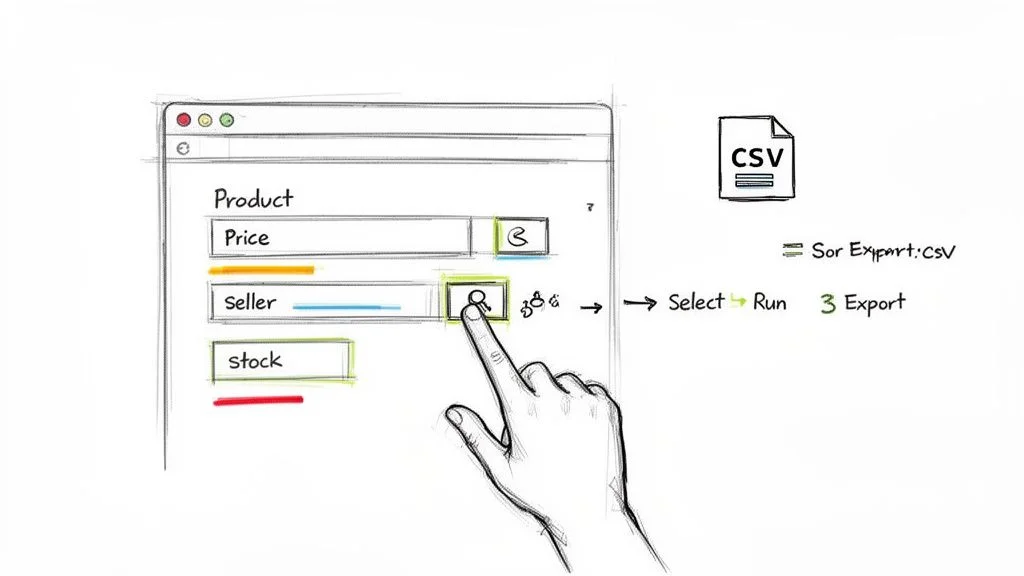
To scrape Amazon prices without code, install Clura, open an Amazon search, category, or product page in Chrome, let the page fully render, run the Amazon extraction workflow, review the detected price fields, and export to CSV. The first export takes under five minutes and includes title, price, ASIN, rating, seller, and URL.
- Install the extension: Add Clura to Chrome. It sits in your toolbar and is ready whenever you land on an Amazon page.
- Navigate to Amazon: Go to any product page or search results page — for example, search 'Sony headphones' to monitor the full competitive set in that category.
- Open Clura and select a template: Click the Clura icon, then pick the Amazon Product Listings Scraper template. It already knows where to find product title, price, ASIN, rating, review count, and URL.
- Run and export: Hit Run — the agent navigates through pages automatically, collecting data for every listing. Download a clean CSV ready for Excel or Google Sheets.
- Validate 5% of rows: Spot-check a small sample in the browser, especially for Prime-only offers or location-sensitive prices.
Customizing for Product Variations
For products with size, color, or style variants, train a custom agent on the exact variation you need to track. Navigate to the specific variant on Amazon, activate selection mode in Clura, click the price for that variation, and save it as a named agent. Every run captures that exact variant's price — critical for shoe and apparel sellers where variant pricing differs significantly.

Use the Amazon Product Listings Scraper Template
Clura's prebuilt Amazon template extracts price, ASIN, rating, seller, stock status, and review count from any search results page — ready to run in under 60 seconds.
Explore Templates →How Do You Turn Amazon Price Scraping Into Price Monitoring?
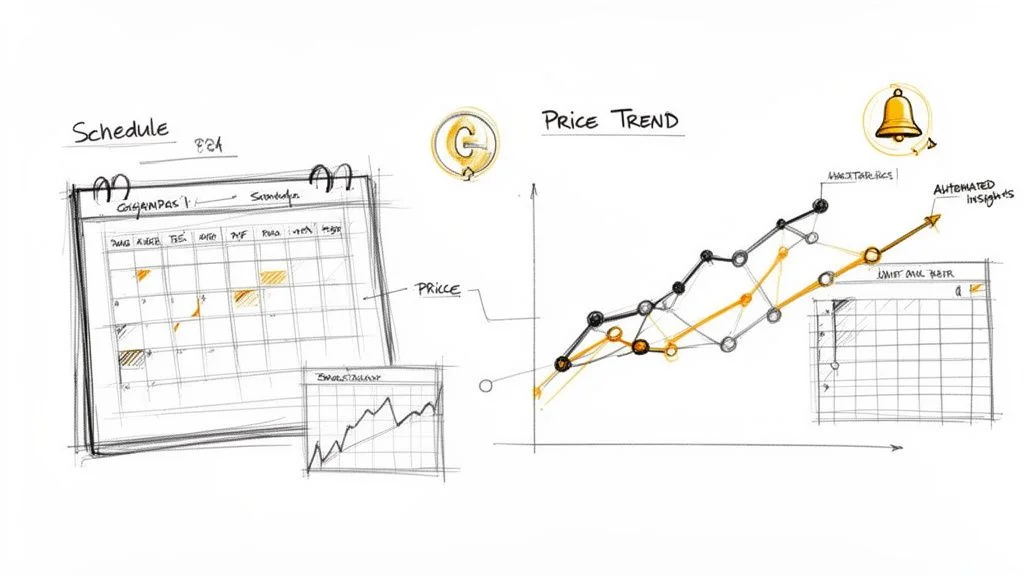
Amazon price scraping becomes price monitoring when you run the same ASIN or category scrape on a schedule, append each export to a historical spreadsheet, and compare price, Buy Box owner, seller count, and availability over time. Daily runs are enough for most categories; hourly runs make sense during Prime Day, Black Friday, and fast-moving electronics campaigns.
A one-time scrape gives you a snapshot. Scheduled scraping gives you a motion picture of the market — revealing patterns your competitors think are secret.
Set the Right Scraping Frequency
- Hourly: Hyper-competitive categories (electronics, toys during holiday season) where prices shift multiple times per day.
- Daily: Most e-commerce categories. Run every morning to start the day with fresh competitive data.
- Weekly: Broader trend analysis, MAP compliance monitoring, or markets where prices are stable.
Analyze Patterns in Your Historical Data
Export your accumulated data to Google Sheets or Excel: =AVERAGE() on a competitor's price column reveals their baseline — spikes above it signal low inventory, dips signal a promotion. =MIN() across competitors for a given day identifies the price leader. A line chart of 30 days of data visually exposes pricing wars, weekend patterns, and reactions to your own price changes.
| Use Case | Business Goal | Key Data to Track |
|---|---|---|
| Competitive Pricing | Stay ahead of rivals | Competitor prices, BSR, stock levels, promotions |
| MAP Enforcement | Protect brand value | Prices from all third-party sellers on your ASINs |
| Dynamic Repricing | Maximize profit margins | Competitor prices, demand signals, seasonality |
| Market Research | Identify category opportunities | Average category price, new entrants, sales velocity |
Frequently Asked Questions
What is the best Amazon price scraper?
For most sellers and ecommerce teams, the best Amazon price scraper is a browser-native tool like Clura because it runs inside real Chrome, captures JavaScript-rendered prices, exports CSV, and avoids proxy maintenance. Python is free but often fails on Amazon pricing pages; scraping APIs scale better but can cost $49–500+/month and may not reflect your real shopper session.
How do I scrape Amazon prices without Python?
Open the Amazon product, search, or category page in Chrome, run Clura, review the detected price fields, and export the rows to CSV or Google Sheets. This no-code workflow usually takes under five minutes for the first export and captures title, ASIN, price, seller, rating, and product URL from the rendered page.
Is Amazon price scraping legal?
Yes. Scraping publicly available data — prices, ratings, seller names visible to any website visitor — is generally legal for market research and competitive analysis. The key is to scrape responsibly: respect rate limits, avoid overloading servers, and never target personal or private data. Modern tools are built to operate within these ethical limits.
How often should I scrape Amazon prices?
Match frequency to how fast your market moves. Consumer electronics can change multiple times per day — hourly makes sense. Most categories are well-served by daily scrapes. For broader trend analysis or MAP monitoring, weekly is sufficient. Start daily, then adjust based on volatility you observe in the first two weeks of data.
Can an Amazon price scraper track Buy Box changes?
Yes. Include Buy Box seller, current price, seller count, availability, and timestamp in the export, then run the same scrape daily or hourly. Over time you can see which seller wins the Buy Box, what price they held, and whether stock or seller count changed before the Buy Box moved.
Why does my Amazon price scraper return empty or wrong prices?
The most common causes are JavaScript-rendered price components, blocked headless browser fingerprints, session-based pricing, and selector drift. A scraper can also receive a valid-looking response with stale or mismatched prices. Validate a sample against a real Chrome browser and prefer browser-native extraction when price accuracy matters.
Can I scrape prices from multiple Amazon regions?
Yes. You can pull pricing from Amazon.de, Amazon.co.jp, Amazon.co.uk, and other regional sites. Tools with proxy network support route requests through local IP addresses, ensuring you see the correct regional pricing, currency, and shipping details — essential for global sellers and international competitive analysis.
What is the best export format for scraped Amazon data?
CSV is the universal choice. It opens in Google Sheets, Excel, Tableau, or any database without conversion. Most scraping tools offer one-click CSV export. For advanced workflows, some also support direct export to Google Sheets or webhook integrations with repricing software.
How do I track Buy Box ownership over time?
Include 'Buy Box Winner' as a field in your scraping template. Run daily scrapes and accumulate the data over weeks. Chart which sellers own the Buy Box most frequently, what price they hold when they own it, and how your own pricing changes affect your Buy Box win rate. This is the most actionable use of historical Amazon scraping data.
Conclusion
Amazon price scraping transforms competitor monitoring from a manual chore into an automated intelligence engine. With the right tool, you get real-time data on price, Buy Box, stock, and seller behavior across thousands of products — without writing a line of code.
Start simple: run a daily scrape of your top competitors on your main ASINs. Build two weeks of historical data. The patterns in that first dataset will drive every pricing decision that follows.
Explore related guides:
- Amazon Scraper Guide — the no-code step-by-step workflow for extracting Amazon product data with a Chrome extension
- Price Scraper Guide — compare Amazon, Walmart, Shopify, and Google Shopping price scraping methods by block rate, cost, and setup time
- Ecommerce Data Extraction — extract prices, ratings, descriptions, inventory, and product catalog data from ecommerce websites
- Amazon API Scraping — the developer-focused approach for structured Amazon data access
- Price Monitoring Guide — turn recurring price exports into alerts, historical trends, and competitor pricing decisions
- Avoid Getting Blocked While Scraping — understand TLS fingerprints, JavaScript rendering, bot detection, and poisoned ecommerce data
- Automate Data Extraction — build recurring extraction workflows for any website
Stop Guessing — Start Scraping Amazon Prices Automatically
Clura monitors any Amazon search or category on a schedule and exports clean, structured price data. Track competitors, win the Buy Box, and price for profit — no code required.
Add to Chrome — Free →