
How to Crawl a Website in 2026: A Simple Step-by-Step Guide
Learning how to crawl a website is no longer a skill reserved for developers. Whether you want to build lead lists, monitor competitor pricing in real time, or grab product details from a massive online store, modern AI-powered browser tools make it possible in minutes — no code required.
The web crawling market is expected to grow from USD 1 billion to over USD 2 billion by 2030, driven by teams in sales, e-commerce, recruiting, and market research who need fresh data to stay competitive. This guide covers every method from simple AI agents to custom Python scripts.
Crawl Any Website in One Click with Clura
Clura's AI Chrome extension automatically identifies, extracts, and exports data from any public website — handling pagination, logins, and dynamic content without code.
Add to Chrome — Free →Why Learning to Crawl a Website Matters
Website crawling lets you automatically pull structured data from any public webpage — turning hours of manual copy-pasting into seconds of automated extraction for sales leads, competitor pricing, job listings, and market research.
Website crawling is no longer a dark art for coders; it is a practical skill for anyone who wants to win with data. Smart teams use web crawling to build hyper-targeted lead lists, track brand mentions, automate price monitoring, uncover top talent from job boards, and aggregate data on industry trends.
| Method | Best For | Technical Skill | Speed and Scale |
|---|---|---|---|
| No-Code Browser Tools | Quick extractions for non-technical users | None | Low to Medium |
| Desktop GUI Crawlers | Visual setup for complex recurring crawls | Low | Medium |
| Online Crawling Services | Large-scale or scheduled cloud crawls | Low to Medium | High |
| Python Coding | Fully custom scalable crawling projects | High | Very High |
The real magic is in the automation. You save countless hours of manual data entry, freeing up your team to focus on what matters: analyzing the data and taking action.
How to Crawl a Website with an AI Agent (No-Code)
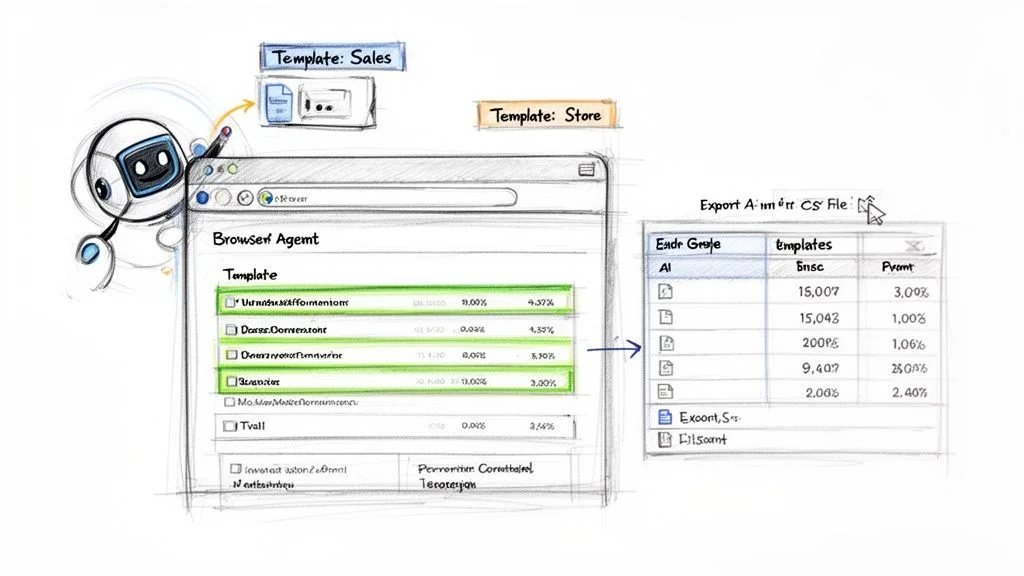
Crawling a website with an AI agent means installing a browser extension that automatically analyzes page structure, identifies recurring data patterns, and exports clean structured data with a single click — no HTML or CSS knowledge needed.
AI agents, usually packaged as browser extensions, break down technical barriers by intelligently analyzing a webpage's structure and automatically identifying recurring data patterns. You skip the technical setup entirely — just go to the page, activate the agent, and watch it pull information into a neat, ready-to-use table.
If the crawl needs to run again later, use Clura Agents to schedule the same workflow. Agents are useful for recurring checks like competitor pricing, Reddit keyword searches, job board monitoring, and directory updates where new rows appear over time.
Use Case: Extracting Sales Leads in Seconds
Imagine you are a sales rep building a prospect list from LinkedIn Sales Navigator. With an AI agent like Clura, you open your search results, click the extension icon, review the clean preview showing names, titles, companies, and locations, then export a perfectly formatted CSV in under a minute. What used to take an afternoon is done instantly.
- Go to your target page — for example, LinkedIn Sales Navigator search results.
- Activate the AI agent by clicking the extension icon. It instantly scans and recognizes the list of leads.
- Review the data in the clean preview window showing all extracted fields.
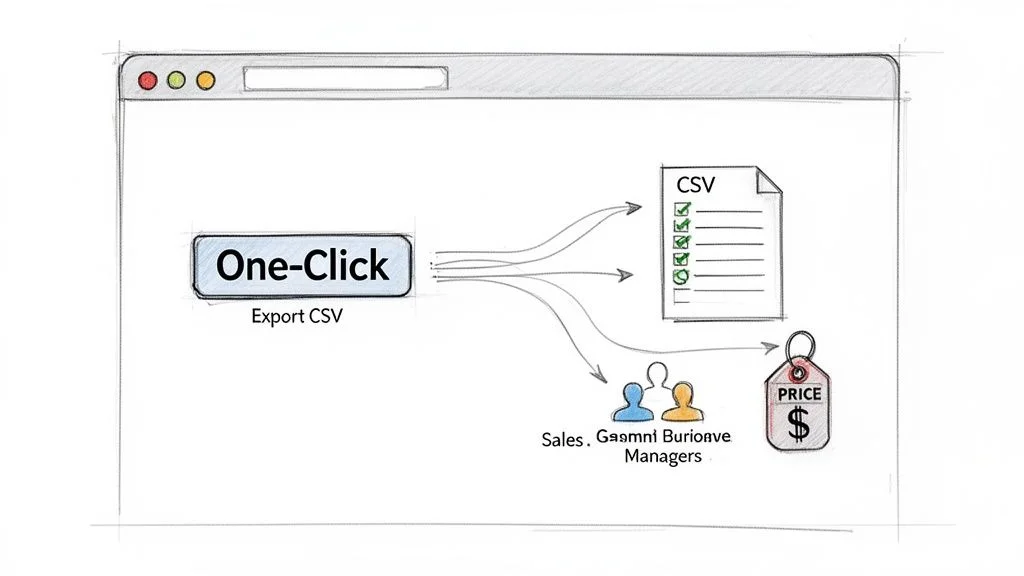
- Click Export to download a perfectly formatted CSV ready for your CRM.
Accelerate Tasks with Prebuilt Templates
- E-commerce sites: use an Amazon template to instantly pull product names, prices, and ratings.
- Job boards: a LinkedIn Jobs template grabs job titles, company names, and locations for market research.
- Business directories: a Crunchbase template gathers company funding info and key contacts in a flash.
Try Clura's Prebuilt Templates Free
Clura includes ready-to-go templates for LinkedIn, Amazon, Crunchbase, and dozens of other popular sites. Start collecting data in under a minute.
Add to Chrome — Free →How to Crawl a Website with a Visual Scraper
A visual scraper lets you build a custom crawler by clicking on data elements directly on a webpage — the tool learns your selections and replicates the extraction across thousands of pages without any code.
Visual scrapers give you surgical precision to tackle websites with complex layouts. You train the tool by clicking on the data you want — a product name, a price, a review. The tool watches your actions, learns the pattern, and creates a recipe to repeat those steps on thousands of other pages.
Build Your First Visual Crawler: Step-by-Step
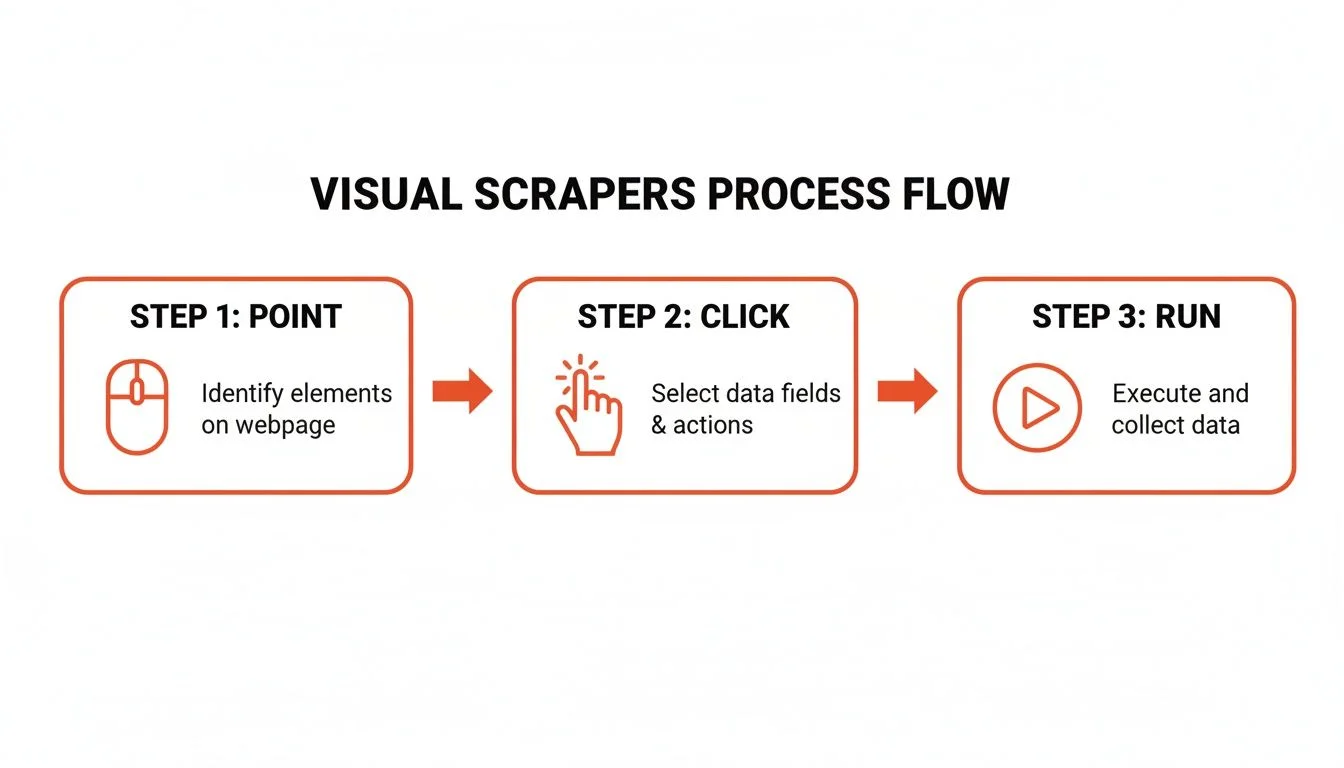
- Launch and point: open your visual scraping tool and enter the URL for the first page you want to crawl.
- Select your first data point: click on the first product name. The tool highlights all similar elements automatically.
- Layer on more data: click on the price and review count. The scraper links these data points into columns.
- Handle pagination: click the Next Page button and tell the tool this handles pagination. The crawler will continue automatically.
You are building a repeatable, automated asset. Save the scraping recipe and run it daily, weekly, or whenever you need fresh data. It is custom automation made simple.
Cloud vs. Desktop: Which Is Right for You?
Desktop apps install on your computer and use your IP address — great for smaller projects or learning the ropes. Cloud-based services run on powerful servers with IP rotation to prevent blocking — the clear winner for ongoing competitor analysis or large-scale market research.
How to Build Your Own Crawler with Python
Building a Python web crawler gives you total control to handle any website — infinite scroll, complex logins, or dynamic JavaScript content — using libraries like Scrapy, BeautifulSoup, and Puppeteer.
For developers who need to tackle tricky sites that no-code tools cannot handle, Python is the way to go. Key libraries include BeautifulSoup for simple HTML parsing, Scrapy for full-blown large-scale crawling frameworks, and Puppeteer or Selenium for JavaScript-heavy sites that require real browser interaction.
Tackling Common Crawling Challenges with Code
- Handling pagination: program your crawler to find and click the Next button, or use Puppeteer to scroll to the bottom for infinite scroll.
- Respecting robots.txt: always check which parts of the site you are allowed to access — Scrapy handles this automatically.
- Managing rate limits: include 2–3 second delays between requests to avoid getting blocked and to be a responsible crawler.
When you write your own crawler, you have the power to be a good web citizen. By controlling your crawl rate and respecting website rules, you ensure your data gathering is both effective and responsible.
How to Crawl a Website Responsibly
Responsible website crawling means always checking the robots.txt file, adding human-like delays between requests, sticking to publicly available data, and never attempting to bypass login walls or collect personal information.
Being a responsible crawler is about being a good web citizen. A respectful approach keeps you in the clear legally and ensures the web remains an open resource. Your first stop before running any crawler should always be the robots.txt file at example.com/robots.txt — it lists Disallow and Allow rules for bots.
- Check robots.txt before every crawl — Disallow sections are do-not-enter signs for bots.
- Add a 2–3 second delay between requests to mimic human behavior and avoid server overload.
- Set a custom User-Agent string to identify your crawler transparently.
- Stick to publicly available data — avoid scraping PII like emails or phone numbers.
- Never try to bypass login walls or paywalls without explicit permission.
Frequently Asked Questions
Is it legal to crawl a website?
Yes, crawling publicly available data is generally legal. If you can see the information in your browser without a password, you are usually in the clear to collect it for business intelligence. Always check the site's Terms of Service and robots.txt file first, and never attempt to bypass login walls or republish copyrighted material.
How do I avoid getting blocked when crawling a website?
Add a 2–3 second delay between requests, use a custom User-Agent string that identifies your bot, and for serious projects use a proxy service to rotate IP addresses across multiple requests. Acting like a human rather than an aggressive bot is the most reliable way to keep your crawler running smoothly.
How do I crawl a website that requires a login?
If you are using an AI agent browser extension like Clura, simply log in to the website normally in your browser. The extension uses your active session, allowing it to see and extract everything your logged-in account can access — making authenticated crawling as simple as any other page.
What is the easiest way to crawl a website without coding?
AI-powered browser extensions are the easiest approach. Tools like Clura install in under a minute, automatically detect data patterns on any page, and export clean structured CSV files with a single click. No HTML, CSS, or programming knowledge is required.
What Python libraries are best for web crawling?
BeautifulSoup is ideal for quick jobs on simple static websites. Scrapy is a full-blown framework for large-scale projects with built-in pagination and data processing. Puppeteer and Selenium control real browsers to handle JavaScript-heavy sites with dynamic content, infinite scroll, and interactive elements.
Conclusion
Whether you choose an AI browser agent for instant no-code extraction, a visual scraper for custom point-and-click workflows, or Python for full developer control, the right approach depends on your technical comfort level and the complexity of your target site.
The most important step is simply to start. Pick a website you visit every day — a competitor's pricing page, a job board, or a business directory — and try pulling a list of data from it. That first experience of watching hours of manual work complete in seconds is what makes web crawling so compelling for modern business teams.
Explore related guides:
- How to Scrape a Website with Python — complete code examples for Python web scraping with BeautifulSoup and Scrapy
- Web Scraping with AI — how AI-powered scrapers adapt to website changes automatically
- Scheduled Web Crawling with Clura Agents — rerun saved scraping workflows and monitor pages for new records
- Export Crawled Data with Connectors — send scraped rows to spreadsheets, CRMs, Notion, Airtable, or webhooks
- Is Scraping Websites Illegal — a detailed guide to the legal and ethical boundaries of web scraping
Ready to Start Crawling? Try Clura Free
Clura turns any website into structured data in seconds — handles logins, pagination, and dynamic content with no code required. Explore prebuilt templates and start your free plan today.
Add to Chrome — Free →