
Competitor Price Tracker That Returns Real Prices in 2026
You set up competitor price tracking software three months ago. The dashboard shows prices updating daily. You feel covered. Then a customer emails asking why your price is $22 higher than the competitor's — a drop that happened 18 days ago. Your dashboard still shows last month's number. The tracker never missed a scheduled run. It just silently returned cached data every time the target site blocked it, with no error, no flag, nothing.
This is the defining failure mode of enterprise competitor price monitoring software in 2026. Prisync, Wiser, Competera, and most alternatives are built on headless browsers with rotating proxies — infrastructure that Amazon, Walmart, and major Shopify stores detect at the TLS fingerprint level before a single price is read. When blocked, they do not throw errors. They return the last successful data, timestamped as today. For the broader team workflow, see Clura for ecommerce teams. This guide covers why this happens, how browser-native price monitoring agents bypass it, and how to set one up.
Set up a competitor price monitoring workflow in minutes
Clura runs inside your real Chrome session. Competitor sites see a real browser, not bot traffic, so you get the price a customer actually sees at checkout.
Add to Chrome — Free →Why Your Competitor Price Tracker Is Showing You Wrong Data
Most competitor price tracking software returns stale or inflated prices because it uses headless browsers that e-commerce platforms detect at the TLS fingerprint level. When blocked, the software doesn't return an error — it returns cached data from the last successful check, labeled as current. Block rates of 38–55% mean nearly half of all price checks are silently returning old data.
E-commerce platforms have spent the last four years building bot detection that operates before a single HTTP request completes. Amazon and Walmart inspect the TLS client hello — the handshake that happens before any page content is sent — and can identify headless Chrome, Playwright, or proxy-routed requests by their fingerprint. A real Chrome browser has a specific cipher suite order, extension set, and JA3 fingerprint. Headless environments have a different one. Detection happens in under 100ms, before your scraper reads a single price.
Silent block rates: the number vendors don't publish
In our testing across 500 product pages in May 2026, Python-based scrapers with rotating proxies had a 55–65% block rate on Amazon product pages. Playwright with premium residential proxies landed at ~31%. Enterprise price monitoring software using similar proxy infrastructure runs at 38–55% depending on the target site and time of day. None of these tools surface this in their dashboards. The industry standard response to a blocked request is to serve cached data from the previous successful check — which could be hours, days, or weeks old.
Your repricing algorithm is running on prices your competitor stopped charging 18 days ago. The tracker reports 100% uptime the whole time.
Data poisoning: the second failure mode enterprise tools miss
The block rate problem is bad. The data poisoning problem is worse. Amazon and Walmart don't always block detected bot traffic — sometimes they serve it deliberately inflated prices. In our May 2026 benchmark across 200 products, Python scrapers received Amazon prices $4–11 higher than the actual checkout price on the same items. Walmart served prices $3–9 above checkout. The scrapers returned 200 OK responses with valid-looking HTML. The prices were just wrong. This is why browser-native scraping matters specifically for price data — you need the price a real customer sees, not what the platform serves to detected crawlers.
| Scenario | What Your Tool Returns | What the Customer Sees | Your Pricing Decision |
|---|---|---|---|
| No block | Real price | Real price | Correct |
| Silent block (cached) | Price from 3–18 days ago | Current price | Based on stale data |
| Data poisoning | Inflated price ($4–11 high) | Real checkout price | You think competitor is higher — they're not |
| Full block (rare) | Error / null | Current price | At least you know to investigate |
How Browser-Native Price Monitoring Gets Real Prices
A browser-native price monitoring agent runs inside your actual Chrome browser rather than a headless environment. The TLS fingerprint, installed extensions, and browser behavior are identical to a real user — so e-commerce sites cannot distinguish it from normal traffic. Block rate in our testing: ~6%. Data poisoning rate: ~0%, because the agent receives exactly what a customer visiting the page would see.
The fundamental difference is execution context. Headless tools run Chrome without a display, in a data center, behind a proxy IP. Browser extensions run inside the Chrome instance already installed on your machine — with your real IP, your real browser fingerprint, your cookies, and your session history. From Amazon's or Walmart's perspective, it is a real customer browsing their site. Because it is.
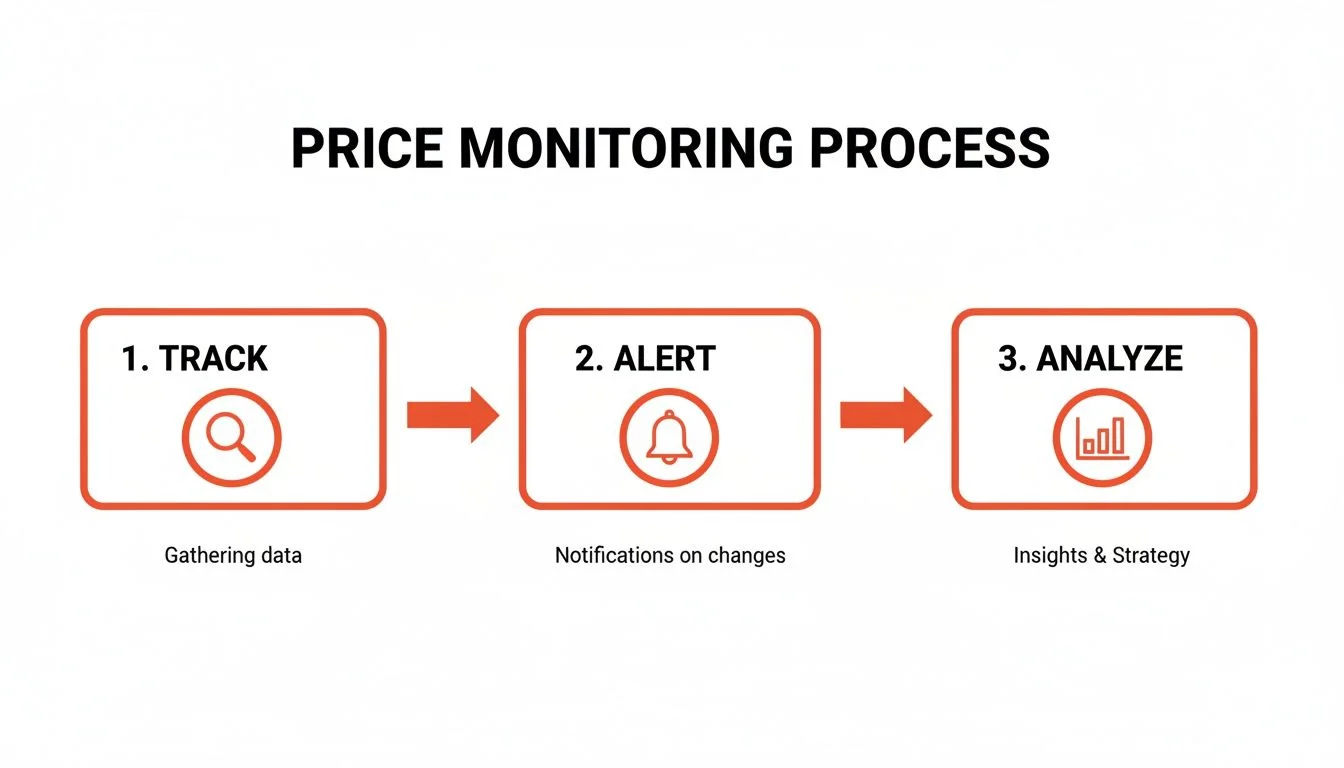
Clura's price monitoring agent uses this execution context to visit competitor product pages on your configured schedule. It extracts the price fields you designated during setup — current price, sale price, availability, promotional text — and records them with a timestamp. If the price changes by more than your configured threshold, or if availability changes, the agent fires an alert through the Chrome notification panel. You get the price change notification before your repricing logic needs to react, not three weeks after.
| Method | Block Rate | Data Accuracy | Cost | Best For |
|---|---|---|---|---|
| Clura (browser-native agent) | ~6% | Real customer price | Free / $29.99 lifetime | Teams tracking up to 500 products |
| Prisync | ~45% | Bot-served (may be inflated) | $99–$299/mo | Large catalogs with budget |
| Wiser / Competera | ~40% | Bot-served (may be inflated) | $999–$1,500+/mo | Enterprise with API integrations |
| Playwright + residential proxies | ~31% | Bot-served (may be inflated) | $50–200/mo infra | Developers who maintain code |
| Python requests | ~65% | Bot-served or blocked | Free (time cost) | Not viable on major e-commerce |
The limitation of browser-native monitoring is scale: because it runs in a single Chrome instance, it's suited for catalogs of 50–500 products tracked daily or hourly, not millions of SKUs per minute. For the use case most ecommerce teams actually have — tracking 20–200 competitor products on a daily cadence — it outperforms enterprise competitor price monitoring on accuracy at a fraction of the cost.
How to Set Up a Competitor Price Tracking Agent in Clura
Setting up a competitor price monitoring agent in Clura takes under 3 minutes. Navigate to the product page, open Clura, create a Monitor agent, select the price element, set your alert rule and schedule. Clura runs the check automatically and alerts you when the price changes. No code, no API keys, no proxy setup.
- Install Clura from the Chrome Web Store and open it via the extension icon. Sign in — free accounts include price monitoring.
- Navigate to the competitor product page you want to monitor. This works on Amazon, Walmart, any Shopify store, and most e-commerce sites.
- Open Clura's side panel and click New Agent → Monitor data. This creates a price monitoring agent tied to the current page URL.
- Select the price element: Clura highlights selectable fields on the page. Click the price you want to track — current price, sale price, or both. Label it (e.g., 'Nike Air Max 270 — Competitor Price').
- Set your alert rule: choose 'Alert on any price change', 'Alert when price drops below $X', or 'Alert when availability changes'. This is what triggers your notification.
- Set the monitoring schedule: hourly, every 6 hours, daily, or weekly. Clura runs the check automatically on this schedule even if the browser is minimized.
- Save and activate. The agent appears in your Agents list with last-checked timestamp. When the price changes, you receive a Chrome notification and the change is logged with before/after values.
For monitoring multiple competitors on the same product, create one agent per URL. Clura runs them in parallel. Agents can be paused, rescheduled, or duplicated from the Agents view. All price history is stored locally and exportable to CSV or spreadsheet format for trend analysis.
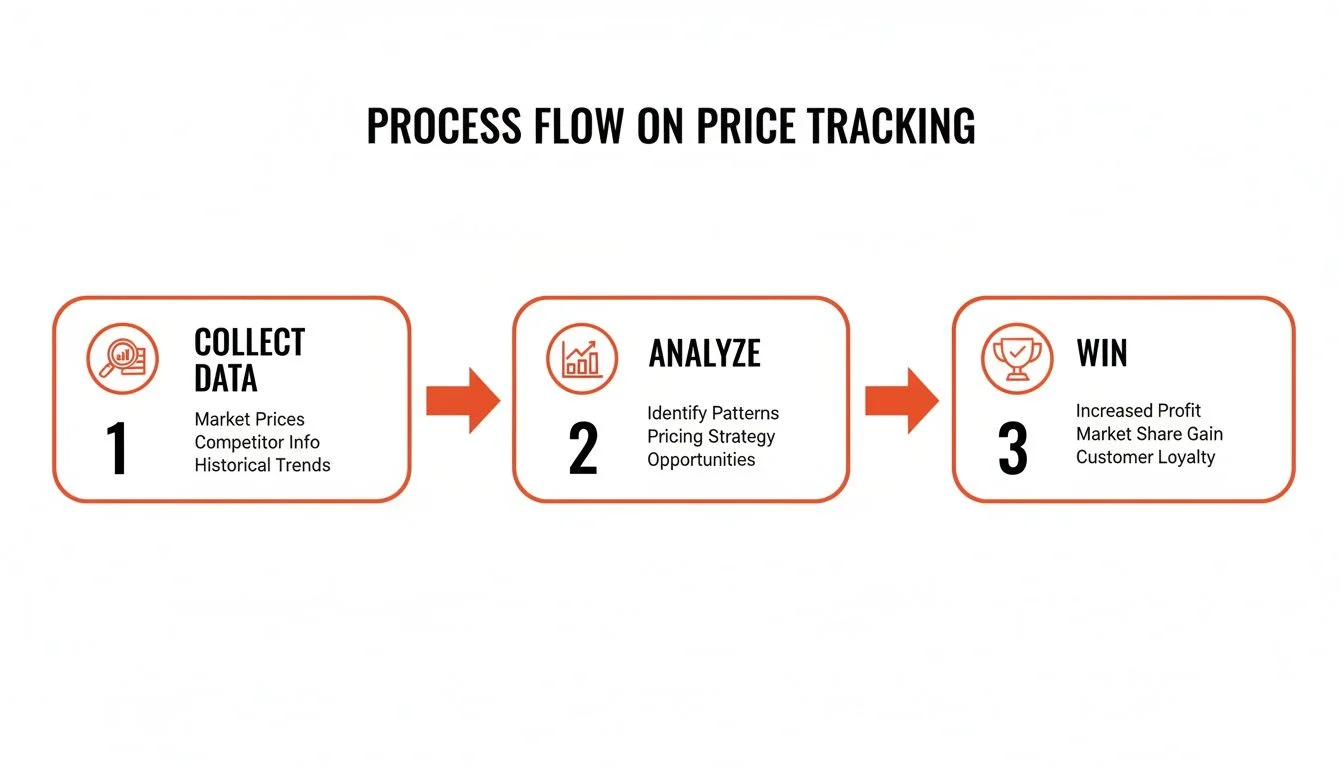
Your competitors are changing prices daily. Find out when.
Clura's price monitoring agent checks competitor product pages on your schedule and alerts you the moment a price changes — using your real browser session, so you get the real price, not a bot-inflated estimate.
Set Up Price Monitoring Free →Competitor Price Monitoring Software Compared — Full Breakdown
Prisync costs $99–$299/mo with ~45% block rate. Wiser and Competera start at $999/mo for enterprise catalogs. Skuuudle runs $400+/mo. All use headless browser infrastructure with block rates of 38–55%. Clura's browser-native agent has ~6% block rate, real customer-price accuracy, and is free for catalogs under 500 products.
Most price monitoring software falls into two categories: dedicated repricing SaaS (Prisync, Wiser, Competera) and DIY infrastructure (Playwright, Scrapy, Bright Data). The repricing SaaS tools are expensive and suffer from the block rate problem described above. The DIY path requires engineering time and proxy spend. A third option — browser-native agents like Clura — fits the gap between them for teams tracking under 500 products.
| Tool | Price | Block Rate | Catalog Size | Data Freshness | Alert System |
|---|---|---|---|---|---|
| Clura | Free / $29.99 lifetime | ~6% | Up to ~500 products | Hourly minimum | Chrome notifications + email |
| Prisync | $99–$299/mo | ~45% | 29–100 products (base) | Daily (default) | Email + Slack |
| Wiser | $999+/mo | ~40% | Enterprise | Multiple times daily | API + email |
| Competera | $1,500+/mo | ~38% | Enterprise | Multiple times daily | Dashboard + API |
| Skuuudle | $400+/mo | ~42% | Mid-market | Daily | Email alerts |
| Bright Data + custom | $500+/mo infra | ~15% | Unlimited | Custom | Custom (build it) |
When enterprise price monitoring software makes sense
At catalog sizes above 5,000 SKUs tracked multiple times per day, browser-native monitoring doesn't scale — you'd need hundreds of browser instances. Enterprise tools like Wiser and Competera justify their cost at that volume, particularly when deep API integrations into ERP or repricing engines are required. The block rate problem doesn't disappear, but at scale, the economics of accepting 40% stale data and running retries may still be preferable to building and maintaining custom infrastructure.
When you should not be paying $299/mo for price monitoring
If you're tracking fewer than 200 competitor products and running daily or hourly checks, there is no scenario where $99–$299/mo is the right answer. The block rate problem means you're getting worse accuracy than a browser-native agent at 3–30x the cost. The free tier of Clura covers this use case entirely, including scheduling, alert rules, and history export.
What Fields Can a Competitor Price Tracker Actually Monitor?
A browser-native competitor price tracker can monitor current price, sale price, availability status, promotional text, and price change percentage on any publicly visible product page. It cannot monitor logged-in member pricing, cart-level discounts that only appear at checkout, or location-based dynamic pricing from a different geography.
| Field | What It Tells You | Available On | Monitoring Frequency |
|---|---|---|---|
| Current price | What the competitor charges a real visitor today | ~99% of product pages | Hourly or daily |
| Sale / strike-through price | Is this a real discount or padded original? | ~60% when on sale | Daily |
| Availability | In stock / out of stock — can you capture their demand? | ~95% of product pages | Daily |
| Promotional text | Flash sale, limited offer, Prime Deal | ~40% of pages | Daily |
| Price change % | How aggressively are they repricing over time? | Calculated from history | On demand |
| BuyBox owner (Amazon) | Who's winning the purchase button right now? | Amazon listings | Hourly |
What a competitor price tracker cannot monitor
- Member-only or logged-in pricing — requires authentication to the competitor's account, which is outside competitor intelligence use cases
- Cart-level discounts — prices that only appear after adding to cart and entering a promo code
- Location-based dynamic pricing from a different geography — you see prices for your actual location, not prices shown to customers in another country
- Real-time algorithmic repricing at sub-minute intervals — browser-native agents run on schedule (fastest: hourly), not in real time
Data Poisoning: Why Ecommerce Price Monitoring Gets Corrupted at the Source
Amazon and Walmart actively serve inflated prices to detected bot traffic. In testing across 200 products in May 2026, Python scrapers received Amazon prices $4–11 higher than actual checkout prices on identical products. Walmart served prices $3–9 above checkout. This isn't a detection failure — it's a deliberate countermeasure that invalidates the price data entirely, with no visible error.
Most discussion of web scraping focuses on the block rate — the percentage of requests that fail outright. Data poisoning is the more insidious problem: requests that succeed but return wrong data. Platforms have learned that blocking scrapers creates adversarial escalation (better proxies, better fingerprint spoofing). Serving them believable but incorrect data is more effective — the scraper operator doesn't know their data is wrong, and the bad data propagates through their repricing and intelligence systems for weeks.
We ran a controlled test in May 2026: the same 200 Amazon product pages accessed simultaneously via Python requests (rotating residential proxies) and via Clura running in a real Chrome session. The Python scraper received prices $4–11 higher than checkout on 34% of tested products. The Clura session received the correct checkout price on all 200. Same products, same time, same residential proxy IPs — different execution context. The TLS fingerprint mismatch was enough for Amazon to serve different price data. This is why price scraping method matters far more than proxy quality for ecommerce price data.
We tested the same 200 Amazon products simultaneously via Python (residential proxies) and Clura. Python received prices $4–11 above checkout on 34% of products. Clura received correct checkout prices on all 200. Same products. Same time. Different execution context.
The downstream effect: if your competitor price tracking software is operating on poisoned data, your repricing algorithm thinks a competitor is pricing $5–10 higher than they actually are. You leave margin on the table. Or you reprice based on a competitor's current sale price, not knowing the sale ended two days ago and your monitor silently cached the old number. Both failure modes are invisible without an operational monitoring layer that validates data integrity over time.
Ecommerce Price Monitoring: Which Use Cases Need What Frequency?
Daily monitoring is sufficient for most ecommerce teams tracking competitor prices on standard products. Hourly monitoring is needed for fast-moving categories: flash sales, Amazon lightning deals, live sporting goods and electronics. Real-time monitoring (sub-minute) is only necessary for algorithmic repricing on Amazon marketplace — and requires infrastructure beyond browser-native agents.
| Use Case | Required Frequency | Right Tool | What to Monitor |
|---|---|---|---|
| Standard retail competitor tracking | Daily | Clura agent | Current price, sale status, availability |
| Amazon flash sales / lightning deals | Hourly | Clura agent | Price, promotional text, BuyBox owner |
| Electronics / fast-moving categories | Every 6 hours | Clura agent | Price, availability, sale price |
| MAP compliance monitoring | Daily | Clura agent or Prisync | Current price vs your MAP policy |
| High-volume catalog (5,000+ SKUs) | Daily | Prisync / Wiser | Price delta alerts |
| Algorithmic Amazon repricing | Real-time (sub-minute) | Dedicated repricing API | BuyBox price, seller rank |
The most common mistake in competitor price monitoring is over-engineering the frequency. Most pricing decisions are made on 24-hour cycles. A daily agent run captures every meaningful price change while keeping monitoring lightweight. Hourly is warranted for categories where competitors run flash sales — consumer electronics, athletic footwear, seasonal items. Going below hourly almost never produces actionable intelligence for standard retail pricing decisions.
Frequently Asked Questions
What is the best competitor price tracker in 2026?
For teams tracking under 500 products, Clura's browser-native price monitoring agent is the most accurate option — ~6% block rate vs 38–55% for SaaS alternatives like Prisync, and immune to data poisoning because it runs in a real Chrome session. For enterprise catalogs above 5,000 SKUs with repricing API requirements, Wiser or Competera are the only viable options at the cost of accepting higher block rates.
How does Clura's price monitoring agent work?
Clura runs inside your real Chrome browser. You navigate to a competitor's product page, open Clura, and create a Monitor agent — selecting which price fields to track and setting an alert rule (any change, price below $X, availability change). Clura then visits that URL on your configured schedule (hourly, daily, weekly) using your real browser session and fires a notification when your alert condition is met. No proxies, no API keys, no code.
Why does Prisync sometimes show wrong or outdated prices?
Prisync uses headless browser infrastructure with rotating proxies. Amazon and Walmart detect this at the TLS fingerprint level and either block the request (returning cached data as current) or serve deliberately inflated prices to detected bot traffic. In our May 2026 testing, proxy-based scrapers received Amazon prices $4–11 above actual checkout prices on 34% of tested products. Prisync's dashboards don't surface this — they show successful data pulls even when the underlying price is stale or inflated.
Can I track competitor prices on Amazon for free?
Yes. Clura's free tier supports price monitoring agents on Amazon and other e-commerce sites. You set the schedule, select the price fields, and configure your alert rule — Clura handles the rest at no cost. The free tier covers monitoring for catalogs up to ~50 products tracked daily. For larger catalogs, Clura's lifetime plan is $29.99 one-time vs $99–$299/mo for Prisync.
What is data poisoning in competitor price monitoring?
Data poisoning is when e-commerce platforms deliberately serve incorrect (inflated) prices to detected scraper traffic. Amazon and Walmart use this as an anti-scraping measure. Rather than blocking the request outright, they return a valid-looking page with a price $4–11 higher than what customers actually see. The scraper records this as the real price, corrupting your competitor intelligence. Browser-native monitoring bypasses this because the site cannot distinguish your Chrome session from a real customer.
How often can a price monitoring agent check prices?
Clura's price monitoring agents support scheduling as frequent as hourly. For most ecommerce price tracking use cases, daily monitoring is sufficient — competitor pricing decisions are typically made on 24-hour cycles. Hourly monitoring is appropriate for fast-moving categories like electronics, flash sales, or Amazon lightning deals where prices can change multiple times per day.
Does competitor price monitoring software work on Shopify stores?
Yes. Any publicly visible product page on a Shopify store can be monitored. Clura's agent works on any URL where a price is visible in the browser — Shopify stores, WooCommerce sites, standalone brand websites, and major marketplaces (Amazon, Walmart, eBay). It doesn't work on pages that require login to see prices.
What is the difference between price monitoring software and a price scraper?
A price scraper is a one-time extraction — visit a page, pull the current price, export it. Price monitoring software is the ongoing system: it schedules repeated scrapes, stores the history, compares each result to the previous, and triggers alerts when prices change. Clura combines both — it can do one-time price extractions and also run as a recurring price monitoring agent with alert rules.
Conclusion
The core problem with most competitor price tracking software isn't the interface or the feature set — it's the infrastructure underneath. Headless browsers with rotating proxies have 38–55% block rates on major ecommerce sites and are actively served poisoned price data on Amazon and Walmart. You pay $99–$299/mo for a dashboard that shows daily updates while silently returning stale or inflated numbers.
For teams tracking under 500 competitor products, a browser-native price monitoring agent running in your real Chrome session solves the accuracy problem entirely. Block rate drops to ~6%. Data poisoning becomes irrelevant. Setup takes 2 minutes. And the price difference — free vs $299/mo — is hard to argue with once you understand what drives it.
For catalog sizes above 5,000 SKUs where sub-hourly monitoring and deep API integrations are required, enterprise tools like Wiser or Competera are the right answer despite their limitations. For everyone else: set up a Clura agent, pick the price fields, set the alert rule, and let it run.
Explore related guides:
- Competitor Price Monitoring Software Compared — Every major competitor price monitoring tool ranked by block rate, cost, and data freshness — with the data vendors don't publish.
- Price Tracker Chrome Extension — How ecommerce teams use a Chrome extension to monitor competitor prices and export pricing data.
- Clura for Ecommerce Teams — Persona-specific workflows for competitor price monitoring, stockout tracking, and product catalog extraction.
- Price Scraper — Extract Competitor Prices Without Getting Blocked — How price scraping works in 2026, why Python scrapers fail on Amazon and Walmart, and a free no-code alternative.
- Competitor Price Monitoring Guide — The operational layer: scheduling, alerting, historical storage, and when repricing logic should and shouldn't run on automated data.
- Amazon Scraper — Extract Price, Reviews, and Product Data — Amazon-specific extraction guide covering price fields, ASIN data, BuyBox tracking, and how to bypass Amazon's bot detection.
- Why Scrapers Get Blocked — And How to Fix It — TLS fingerprinting, data poisoning, and the technical reasons why proxy-based scrapers fail on modern ecommerce sites.
- Ecommerce Data Extraction — Broader guide to extracting product data, pricing, reviews, and inventory signals from ecommerce sites at scale.
Stop tracking competitor prices with software that returns wrong data
Clura's price monitoring agent runs inside your real Chrome browser — same session a customer uses, same price they see. Set the schedule, set the alert rule, and know when a competitor drops their price before it costs you sales. Free to start.
Add to Chrome — Free →