
How to Scrape Social Media Data: The Complete No-Code Guide for 2026
Manually copying and pasting information from LinkedIn, X (formerly Twitter), or Instagram is a massive time-waster. Social media scraping automates that entire process — letting you instantly pull public profile data, posts, and engagement stats and turn a full day of manual work into a task that takes just a few clicks.
This isn't some obscure technical skill anymore. The global web scraping software market was valued at $875 million and is projected to reach $2.7 billion by 2035 — driven by sales teams building prospect lists, marketers tracking brand sentiment, and recruiters sourcing candidates faster than ever before.
This guide covers the complete no-code workflow for scraping social media data, how to avoid getting blocked, proven use cases by team, and the ethical and legal boundaries you need to know.
Scrape LinkedIn, X, and Any Social Platform — No Code
Clura's AI-powered Chrome extension lets you point and click on any public profile, post, or list and export clean, structured data instantly. Free to start.
Add to Chrome — Free →The No-Code Workflow for Social Media Data Extraction
With a modern AI-powered browser extension, you can scrape social media data in three steps: install the extension, point and click on the data you want, then preview and export a clean CSV — no coding required.
The best way to understand how to scrape social media data is to do it. Here's a practical walkthrough using an AI-powered browser tool — imagine you're building an outreach list from a LinkedIn event page and need the names, job titles, and companies of every public attendee. With a no-code tool, you can have that complete list in under five minutes.
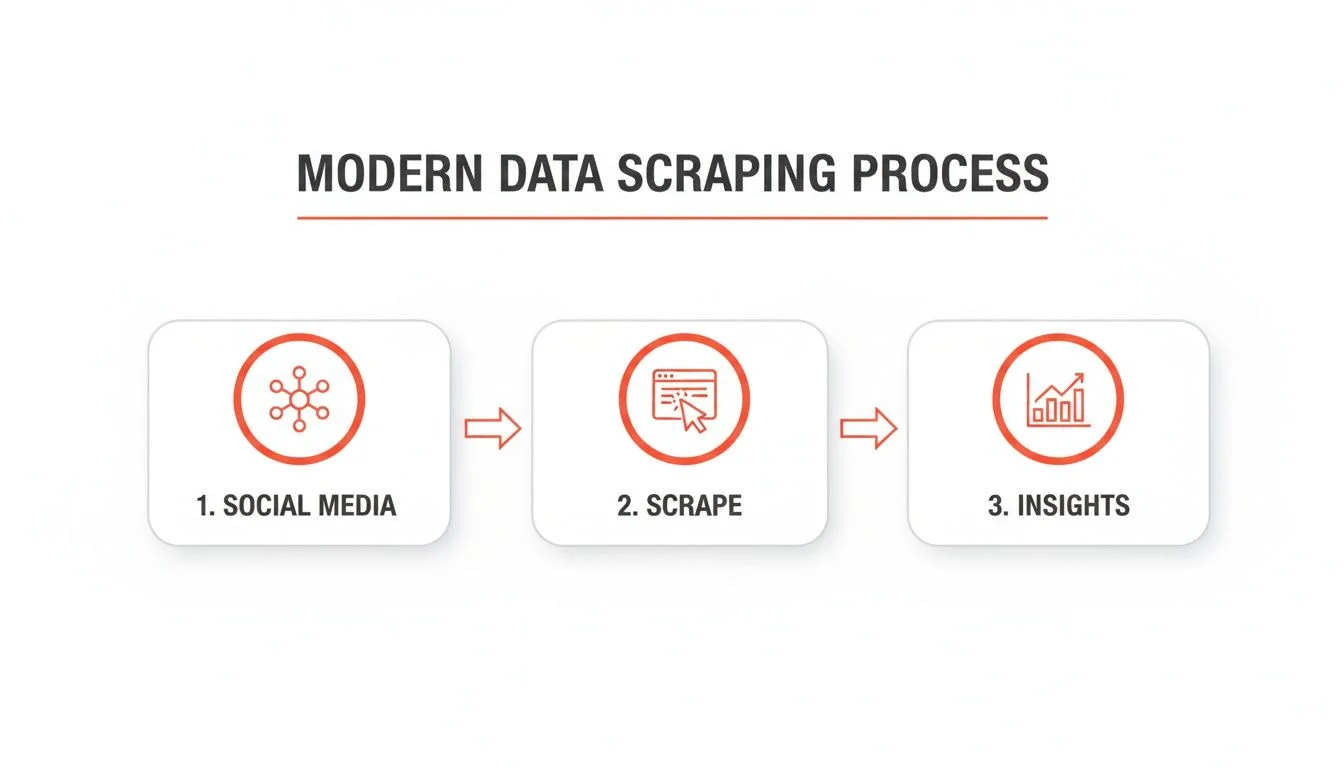
Step 1: Install and Navigate to Your Target
Install a browser extension like Clura from the Chrome Web Store — a one-click install with zero configuration. Then navigate to your target page: a LinkedIn event, a company's follower list, an X search result, or any public profile page. The extension works on any public webpage, not just major social platforms.
Step 2: Point and Click to Select Your Data
Open the extension and click on the first data point you want — a profile name, job title, company. The AI immediately recognizes the pattern and automatically identifies the same data structure for every record on the page. Modern tools also handle infinite scroll automatically, ensuring every record is captured without manual scrolling.
Step 3: Preview and Export Clean Data
The tool gives you an instant preview in a structured table — verify the data looks correct, then click Export. You get a clean CSV ready to upload directly to your CRM, sales tool, or analytics dashboard. That's a complete social media scraping workflow with zero lines of code.
How to Scrape Social Media Without Getting Blocked
Social platforms detect bot-like patterns via behavioral analysis and IP reputation checks. The solution: use tools with built-in proxy rotation and request pacing that mimic natural human browsing at scale.
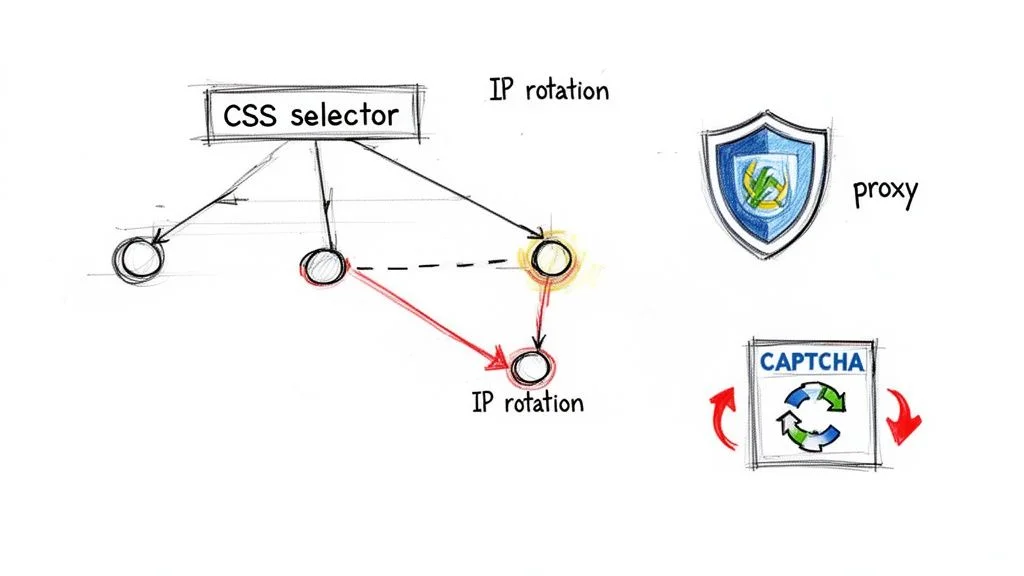
Social media platforms are sophisticated. If a scraper sends hundreds of requests from the same IP address in minutes, the platform will block it. Anti-bot systems in 2026 use browser fingerprinting, behavioral analysis, and IP reputation checks as standard defenses.
The solution is to mimic natural human behavior at scale. This is handled automatically by modern scraping tools through two key mechanisms:
- Proxies: Your request routes through a middleman server rather than directly to the social platform — masking your real IP address and making the request look like it's coming from a regular user.
- IP Rotation: Instead of one proxy, the tool cycles through a massive pool — often using a fresh one for every request. To the platform, it looks like hundreds of different people browsing normally, not a single bot.
The goal isn't to be deceptive — it's to collect public data at a pace that doesn't burden the platform's servers. Responsible scraping tools pace requests to match human browsing speeds, automatically avoiding rate limits.
Proven Use Cases: What to Do With Scraped Social Media Data
The three highest-ROI use cases for scraped social data are sales prospecting (LinkedIn lead lists), talent sourcing (candidate pipelines), and market intelligence (competitor brand monitoring on X and Instagram).
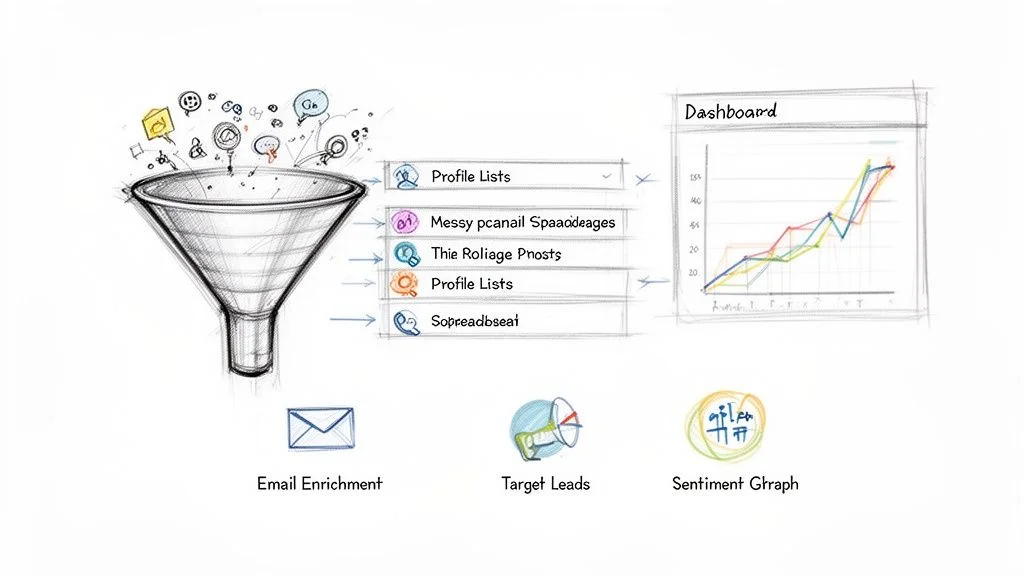
Sales Prospecting: Build Hyper-Targeted Lead Lists
- Scrape: Target a LinkedIn Group or event attendee list full of your ideal customers. Pull names, job titles, and companies.
- Clean: Normalize job titles ("VP of Sales" and "Sales VP" become one segment).
- Enrich: Run through a data enrichment service to append verified work emails.
- Launch: Load into your CRM and start personalized outreach campaigns.
Talent Sourcing: Build Candidate Pipelines
- Scrape: Collect public profiles from LinkedIn with specific skills, roles, and experience levels.
- Enrich: Add contact info and links to GitHub or portfolio pages.
- Engage: Craft personalized outreach that references their specific skills and projects — showing you've done your homework.
Pro tip for recruiters: watch for hiring signals in public posts — recent promotions, new certifications, or posts about seeking new challenges. These are gold for identifying candidates actively open to opportunities.
Market Intelligence: Monitor Brand and Competitor Conversations
- Scrape: Gather public posts and engagement data around specific hashtags, keywords, or competitor brand names on X or Instagram. Clura's Instagram scraper handles this automatically — just open the hashtag page and click Extract.
- Filter: Remove bot spam and irrelevant noise to focus on genuine conversations.
- Analyze: Run sentiment analysis to detect how people feel about your competitors. Spot recurring pain points and unmet needs.
- Act: Use the insights to create targeted content, refine brand messaging, or inspire new product features.
For ongoing monitoring, Clura Agents can rerun the same keyword searches on a schedule and capture new matching posts as they appear. That makes it useful for Reddit keyword searches, LinkedIn competitor mentions, Facebook group discussions, and forum threads where timing matters.
Start Collecting Social Media Data in Minutes
Clura's pre-built templates for LinkedIn, X, and Instagram let you start scraping immediately — no configuration needed. Point, click, export.
Add to Chrome — Free →The Ethics and Legality of Scraping Social Media Data
Scraping publicly visible social media data is legal — the landmark hiQ Labs v. LinkedIn ruling established that public data is not protected by anti-hacking laws. The key rule: only scrape public data, never private content behind logins.
The most important line in social media scraping is the one between public and private data. Public data — anything visible without logging in, like public profiles, posts, and follower counts — is fair game. Private data — content behind logins, direct messages, closed groups — is completely off-limits.
The landmark hiQ Labs v. LinkedIn ruling established that scraping publicly accessible data does not violate anti-hacking laws (the CFAA). Courts sided with hiQ, confirming that if data is publicly visible, it's generally legal to collect automatically. This gives ethical scraping a strong legal foundation.
The Golden Rules of Responsible Scraping
- Public data only: Never scrape content behind a login, paywall, or private group. Stick to what anyone can see without an account.
- Read the Terms of Service: Platforms have their own rules on automated collection — know where they stand before starting a large project.
- Don't overload servers: Pace your requests to mimic human browsing speed. A well-configured tool should never hammer a site with thousands of requests per minute.
- Respect robots.txt: This file tells bots which pages to avoid. Honoring these directives is basic web citizenship.
- Comply with GDPR/CCPA: If you're collecting data on EU or California residents, ensure you handle personal data in compliance with applicable privacy regulations.
Operating ethically isn't just about avoiding legal trouble — it's a strategic advantage. Clean, compliant data pipelines don't get shut down. For a deeper look at the legal landscape, see our guide to web scraping legality.
Frequently Asked Questions
Is it legal to scrape data from social media?
Yes — scraping publicly available social media data is widely considered legal. The hiQ Labs v. LinkedIn court ruling confirmed that public data on the open internet is not protected by anti-hacking laws. Key rules: only scrape public profiles and posts (not content behind logins), respect platform terms of service, don't overload servers, and comply with GDPR/CCPA for personal data.
Will I get blocked for scraping LinkedIn or X?
It's possible with poorly built scrapers. Social platforms use IP reputation checks and behavioral analysis to detect bots. Modern AI-powered scraping tools manage this automatically through proxy rotation and request pacing that mimics human browsing — dramatically reducing the risk of blocks for users collecting public data at a reasonable pace.
What data can I scrape from social media?
Any publicly visible data — profile names, job titles, companies, follower counts, public posts, hashtag content, engagement metrics (likes, shares, comments), and post timestamps. For sales teams this means prospect lists; for marketers it means competitor monitoring; for recruiters it means candidate pipelines. The rule: if you can see it without logging in, it can be scraped.
Do I need to know how to code to scrape social media data?
No — modern no-code tools have made social media scraping accessible to anyone. Browser extensions like Clura use a point-and-click interface: you navigate to the page, click on the data you want, and export a clean CSV. No HTML, CSS, Python, or JavaScript knowledge required.
What's the best no-code tool for scraping LinkedIn data?
Clura is the most accessible option — a Chrome extension that scrapes LinkedIn profiles, search results, and Sales Navigator lists with one click. PhantomBuster offers powerful LinkedIn-specific cloud automations for larger scale. Both require only pointing and clicking on the data you want, with no coding involved.
Conclusion
Social media scraping has moved from a niche developer skill to a mainstream business tool. With no-code extensions, any sales rep, marketer, or recruiter can collect, clean, and enrich public social data in minutes — building prospect lists, monitoring competitors, and sourcing candidates at a scale that was impossible just a few years ago.
Start with one clear goal: build a prospect list from a LinkedIn search, or track a competitor's brand mentions on X. Run your first workflow, see the data quality, and expand from there. The teams that master automated social data collection consistently outpace those still copying and pasting.
Explore related guides:
- LinkedIn Data Scraping — extract contacts and company data from LinkedIn Sales Navigator
- Social Media Scraping Tools — a comparison of the best tools for scraping Twitter, Instagram, and LinkedIn
- Social Media Monitoring with Clura Agents — monitor Reddit, LinkedIn, Facebook groups, and forums for new keyword matches
- Instagram Scraper — how to scrape Instagram profiles, followers, posts, and hashtag pages
- Web Scraping for Lead Generation — build targeted B2B lead lists using automated scraping workflows
Stop Manually Copying Social Media Data — Automate It
Clura is the AI-powered Chrome extension that scrapes LinkedIn, X, Instagram, and any public website with one click. Clean, exportable data in minutes — no code required.
Add to Chrome — Free →